

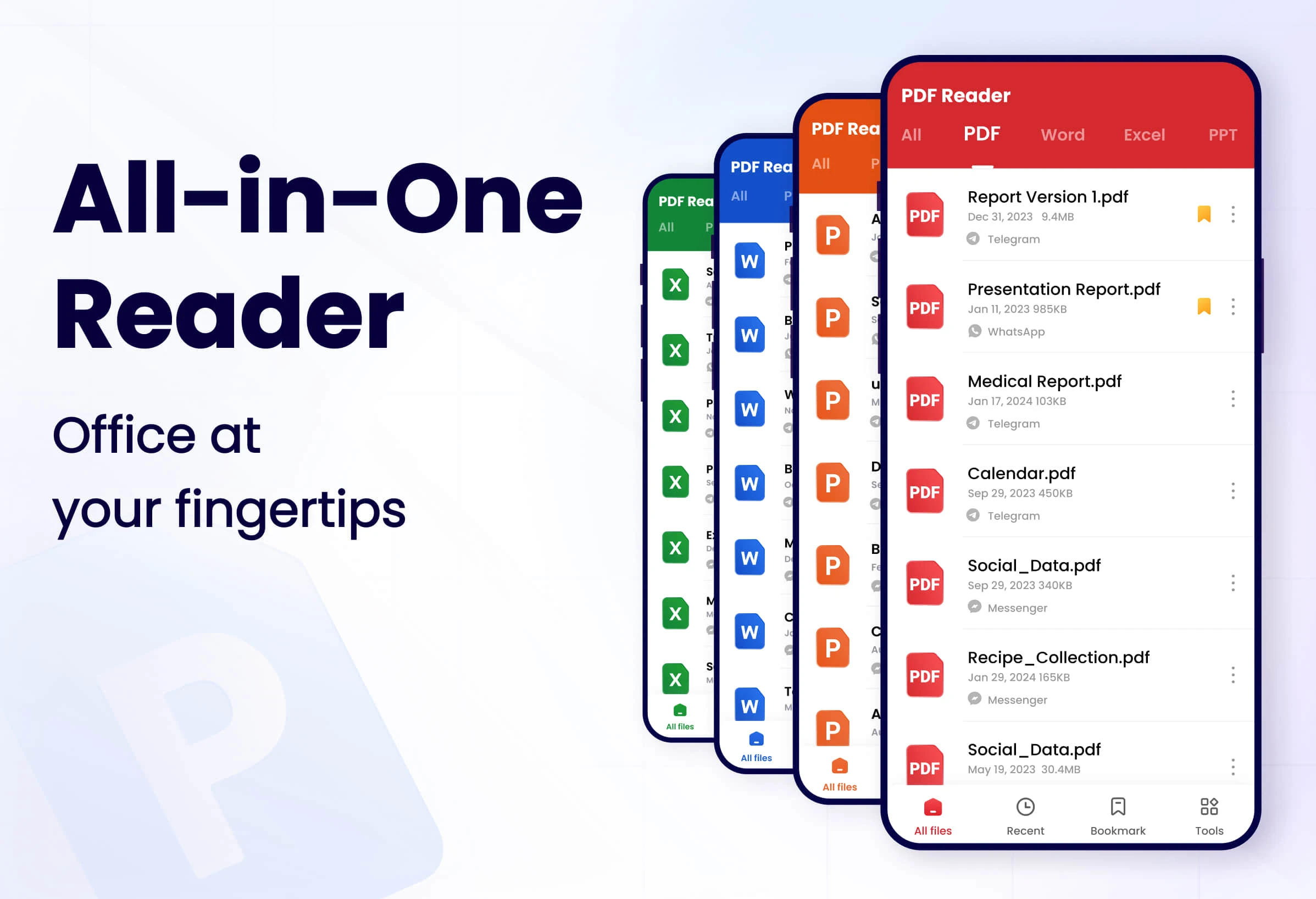
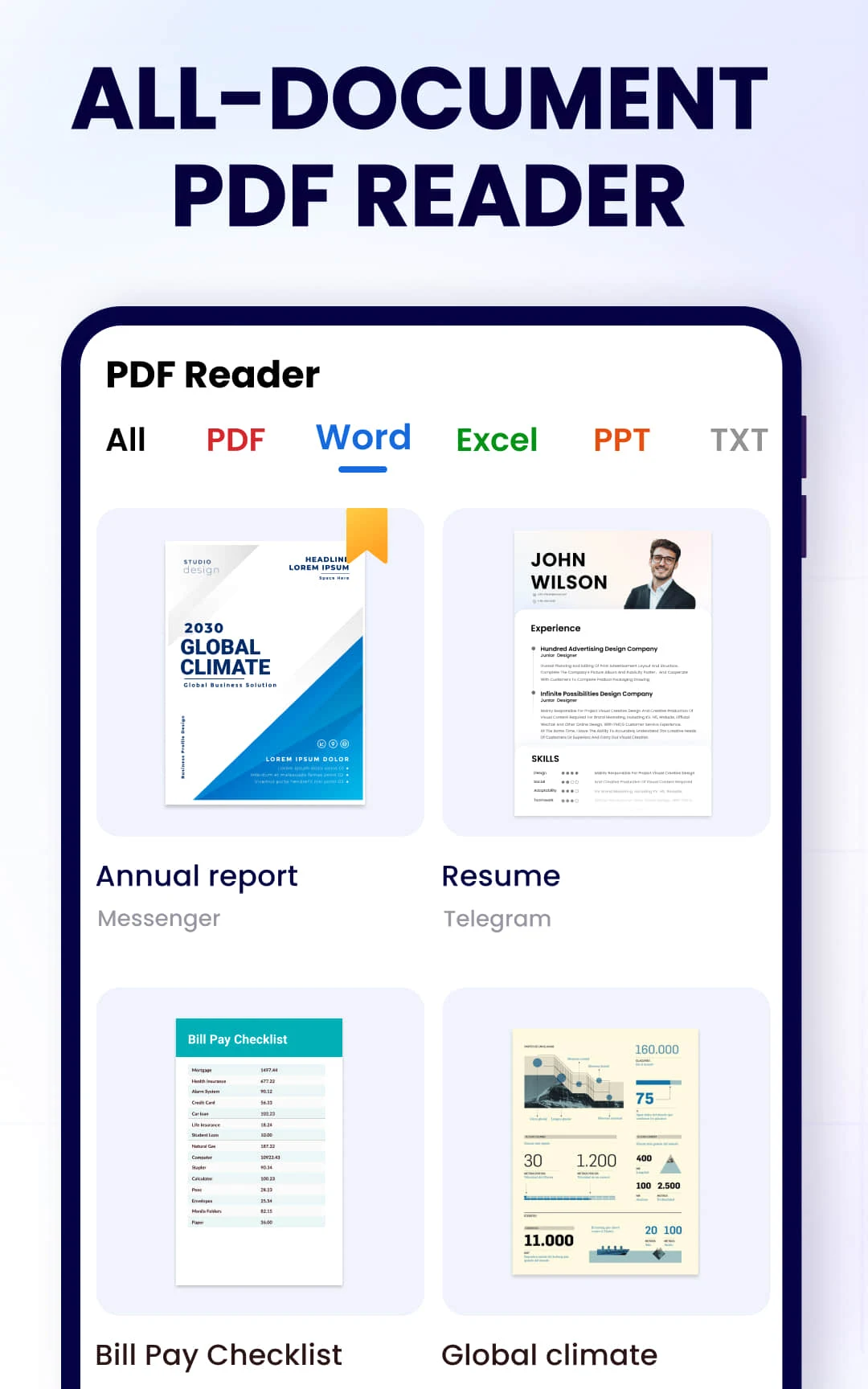
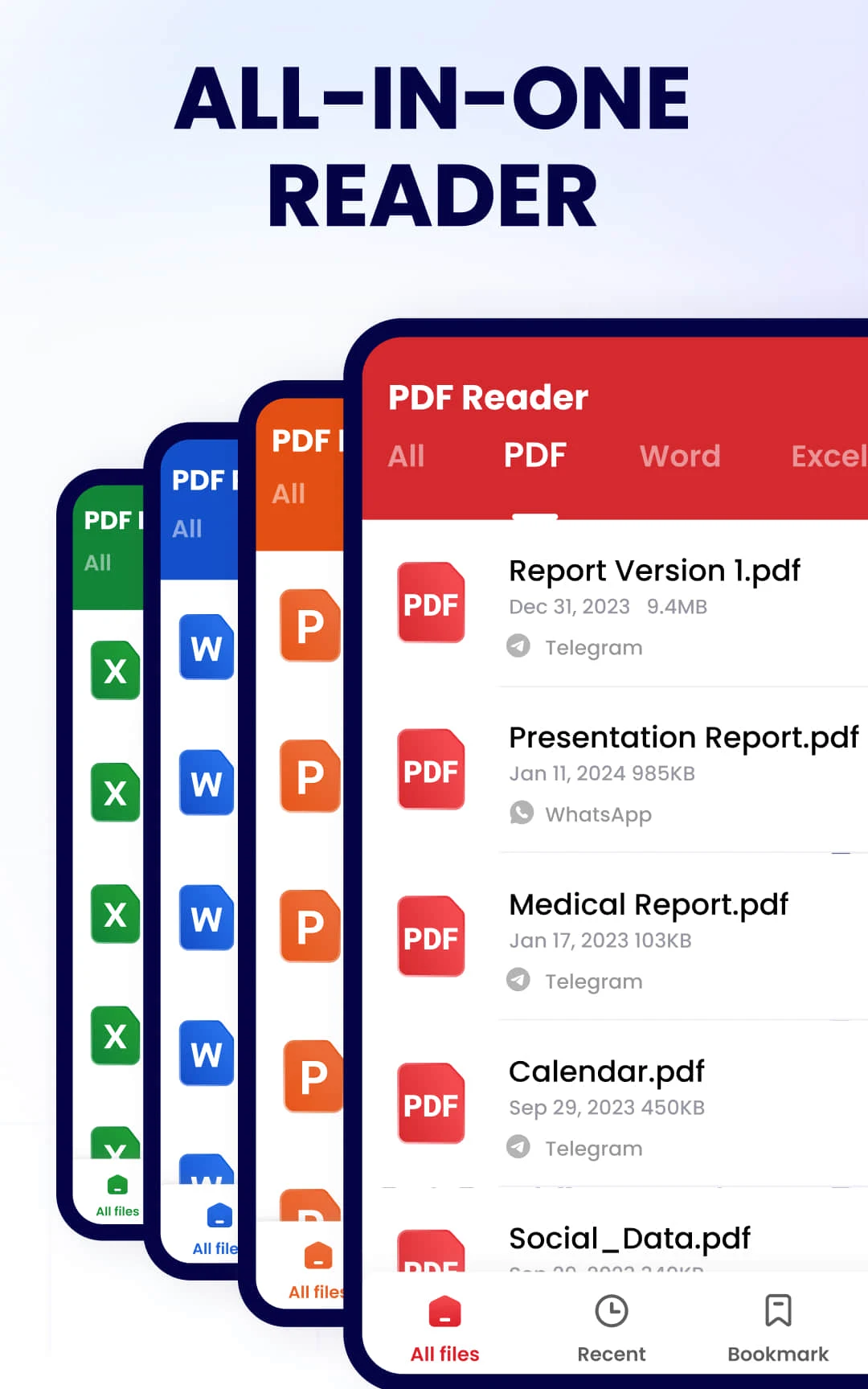
"PDF Reader-PDF Viewer" is a multi-functional PDF document processing application specially designed for iOS, Android and desktop platforms. It is provided by multiple developers and companies, including well-known software developers such as Kdan Mobile.This application aims to provide users with comprehensive PDF reading, editing and management solutions, emphasizing the convenience of mobile office and learning.Here are some of the app’s core features and functionality:
Core functions and features
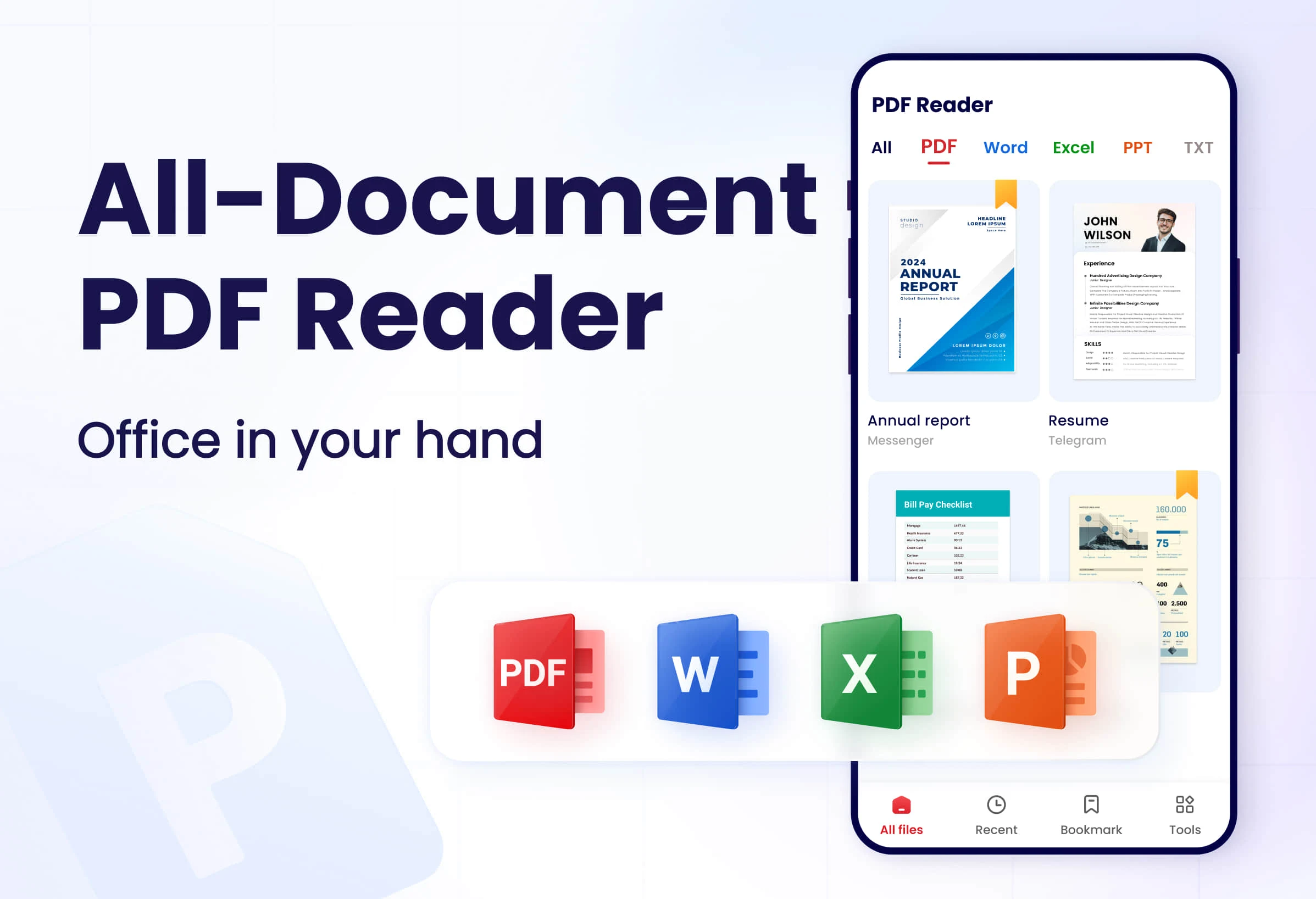
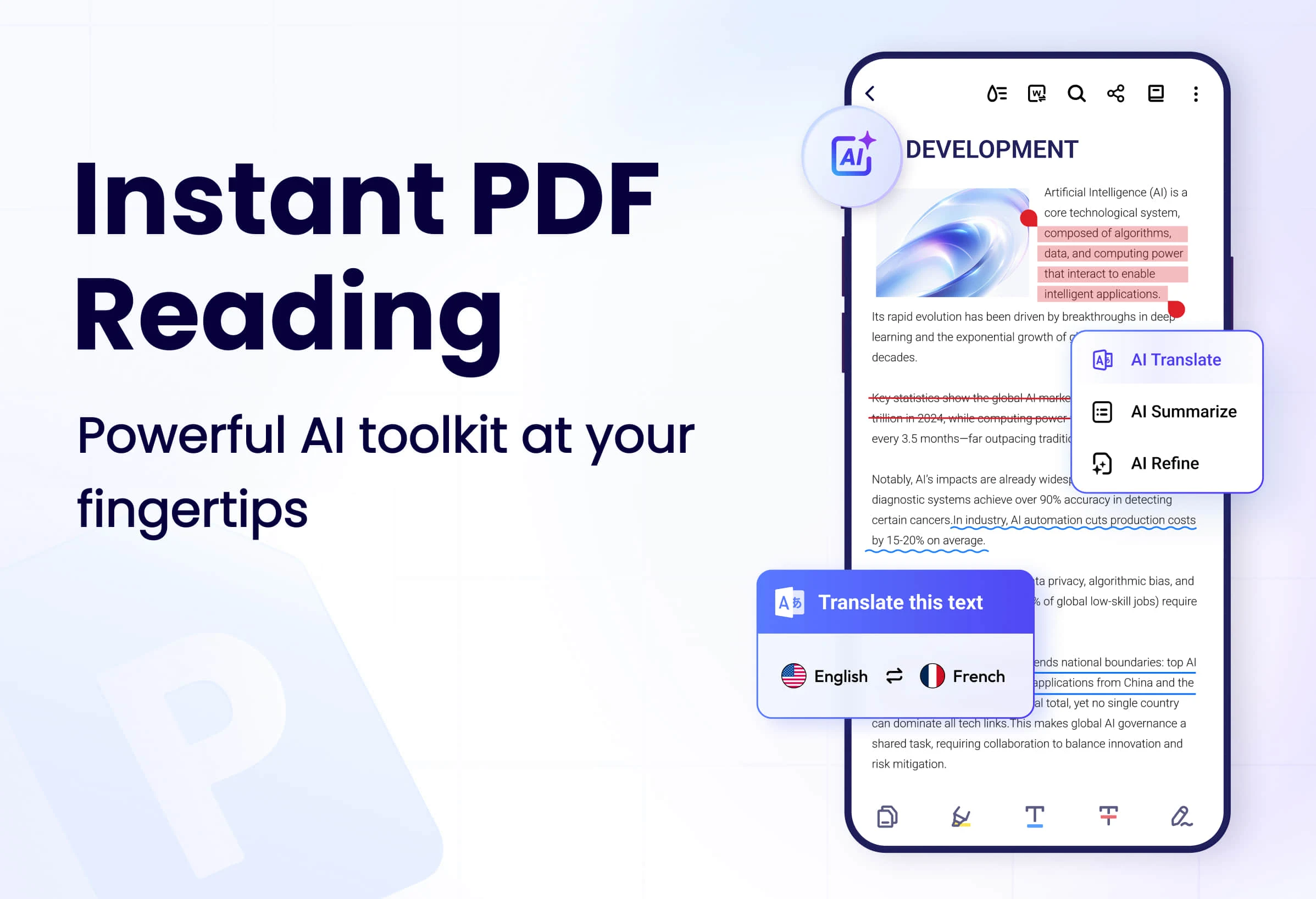
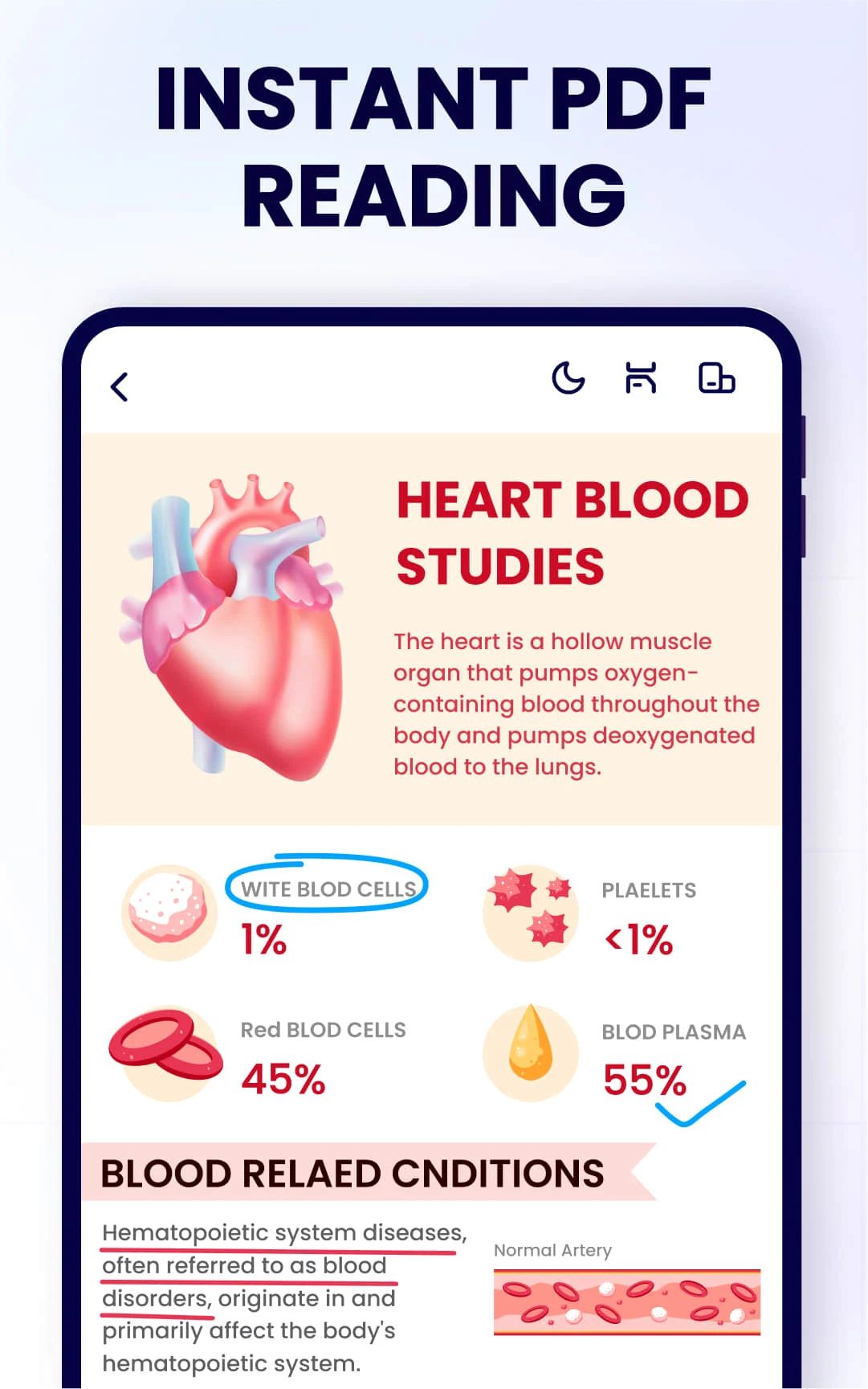
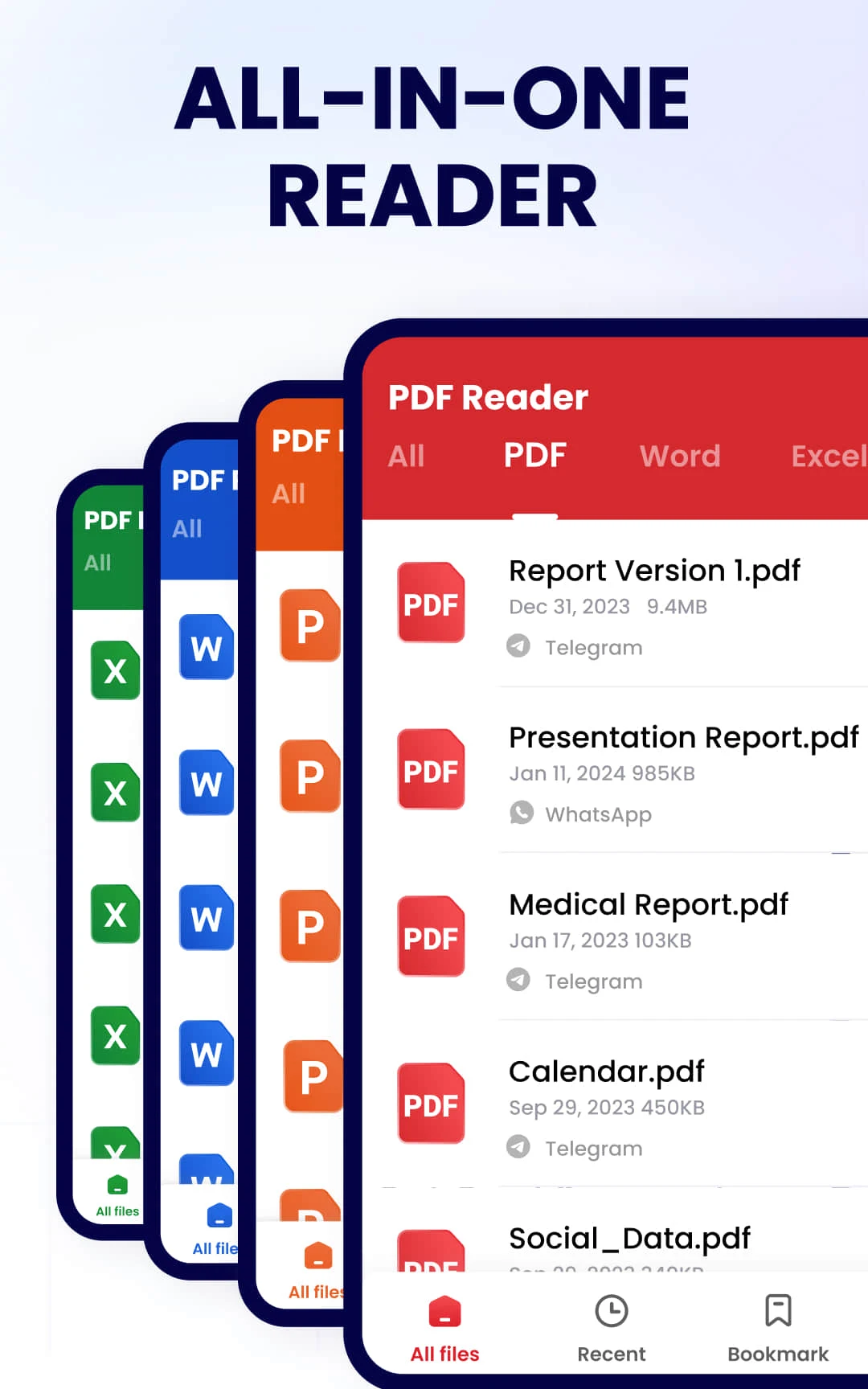
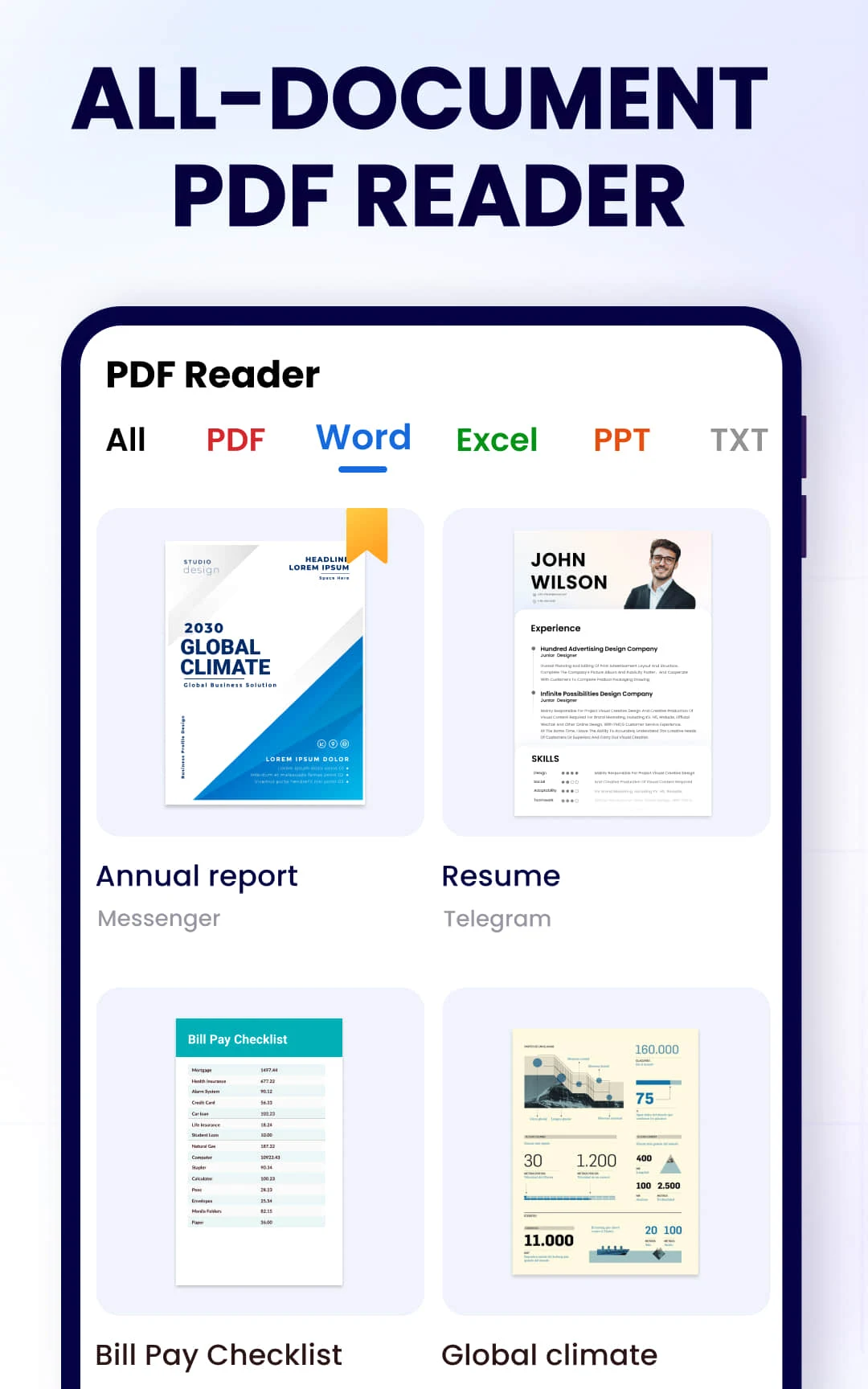
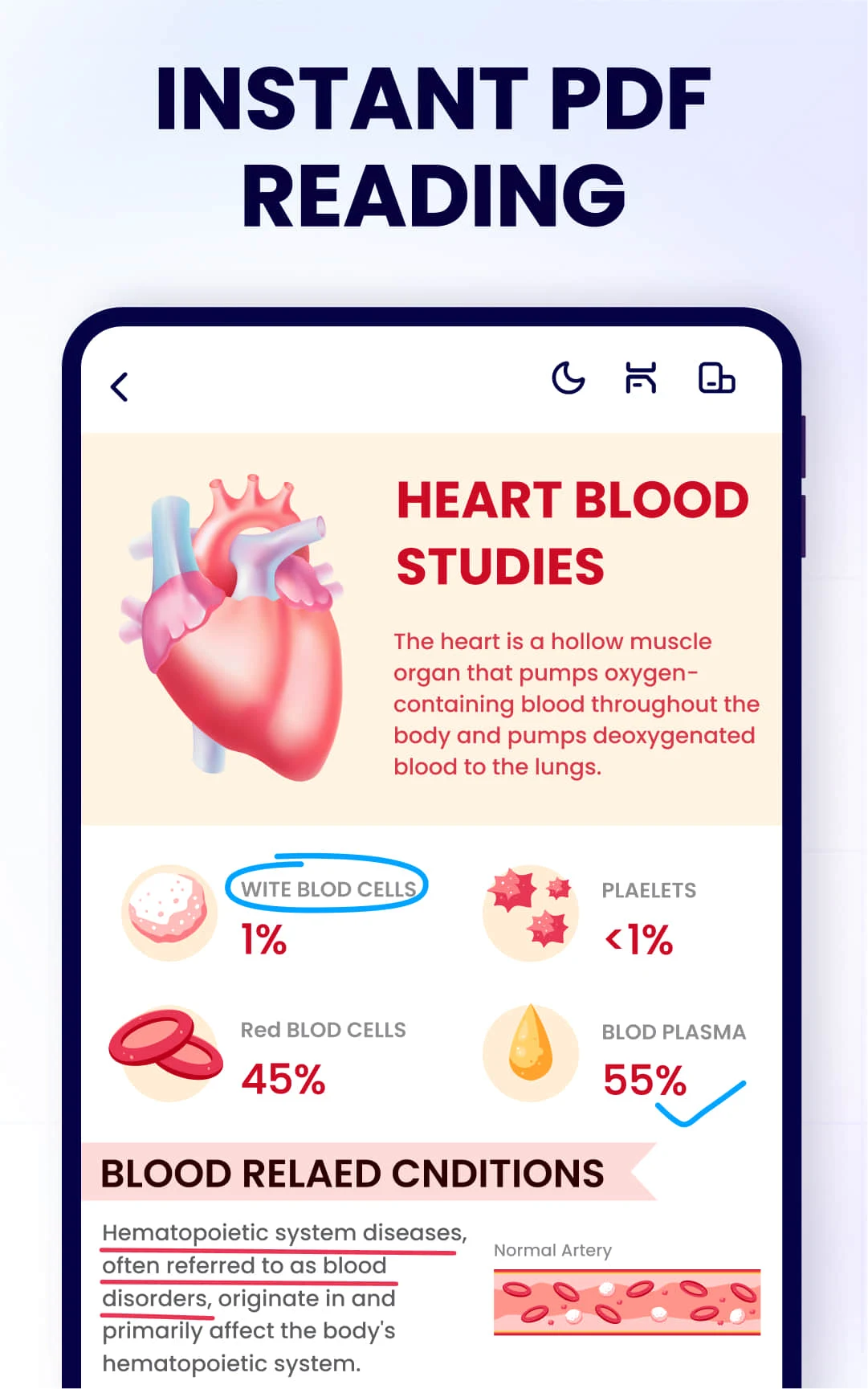
Comprehensive PDF reading experience: supports opening and reading various PDF files, providing clear document rendering, ensuring high-quality display of text and images, suitable for reading books, reports, papers, etc.
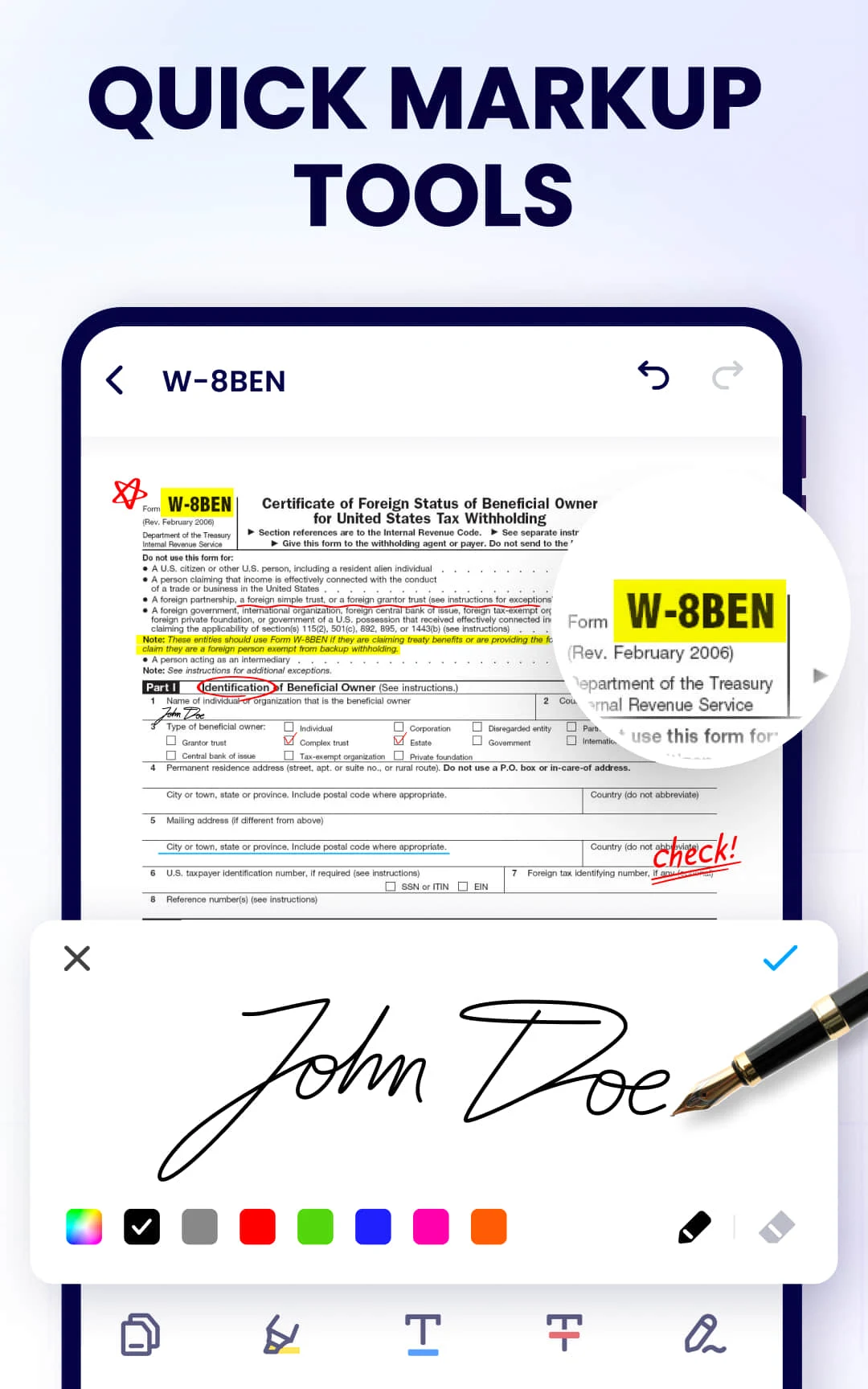
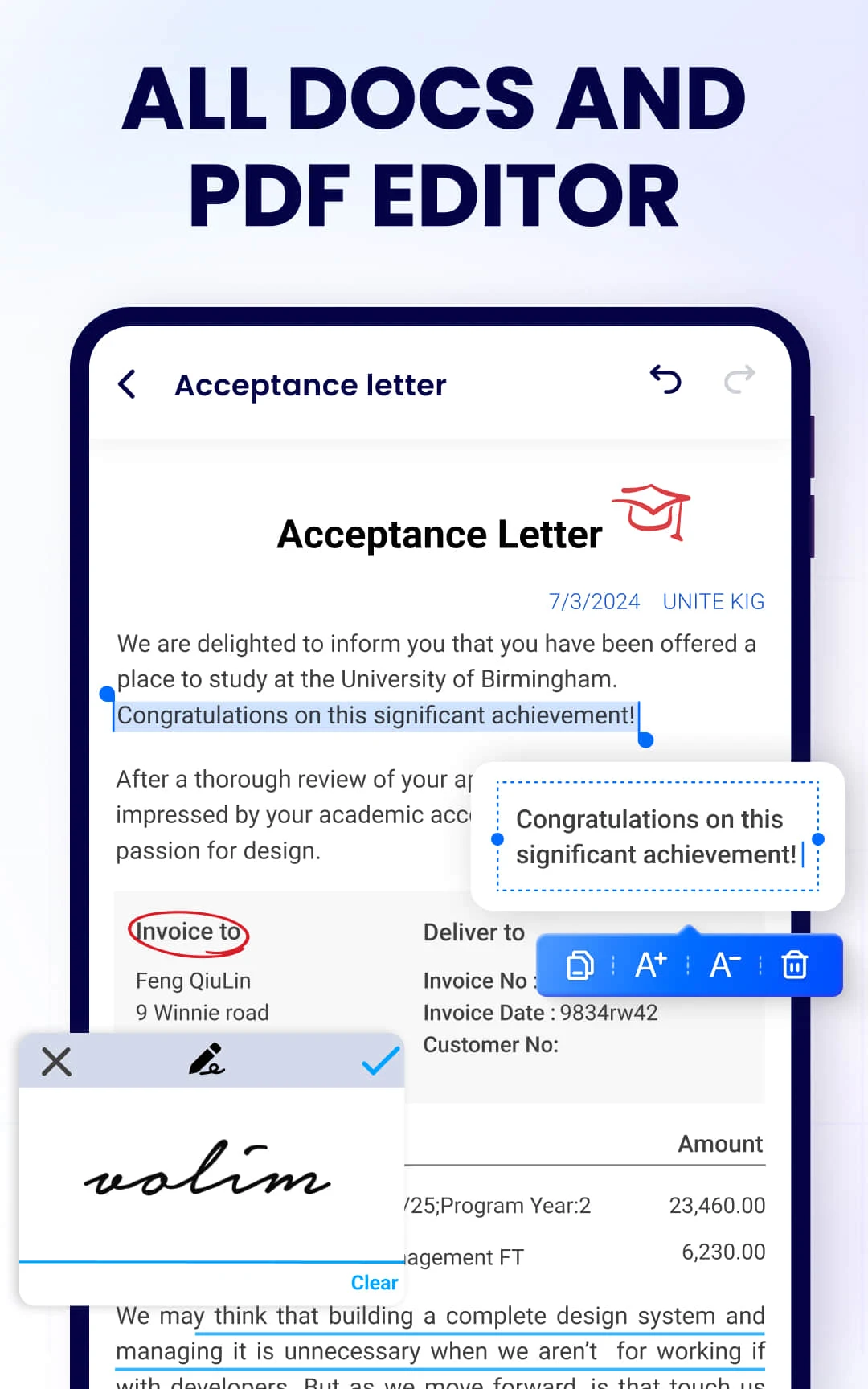
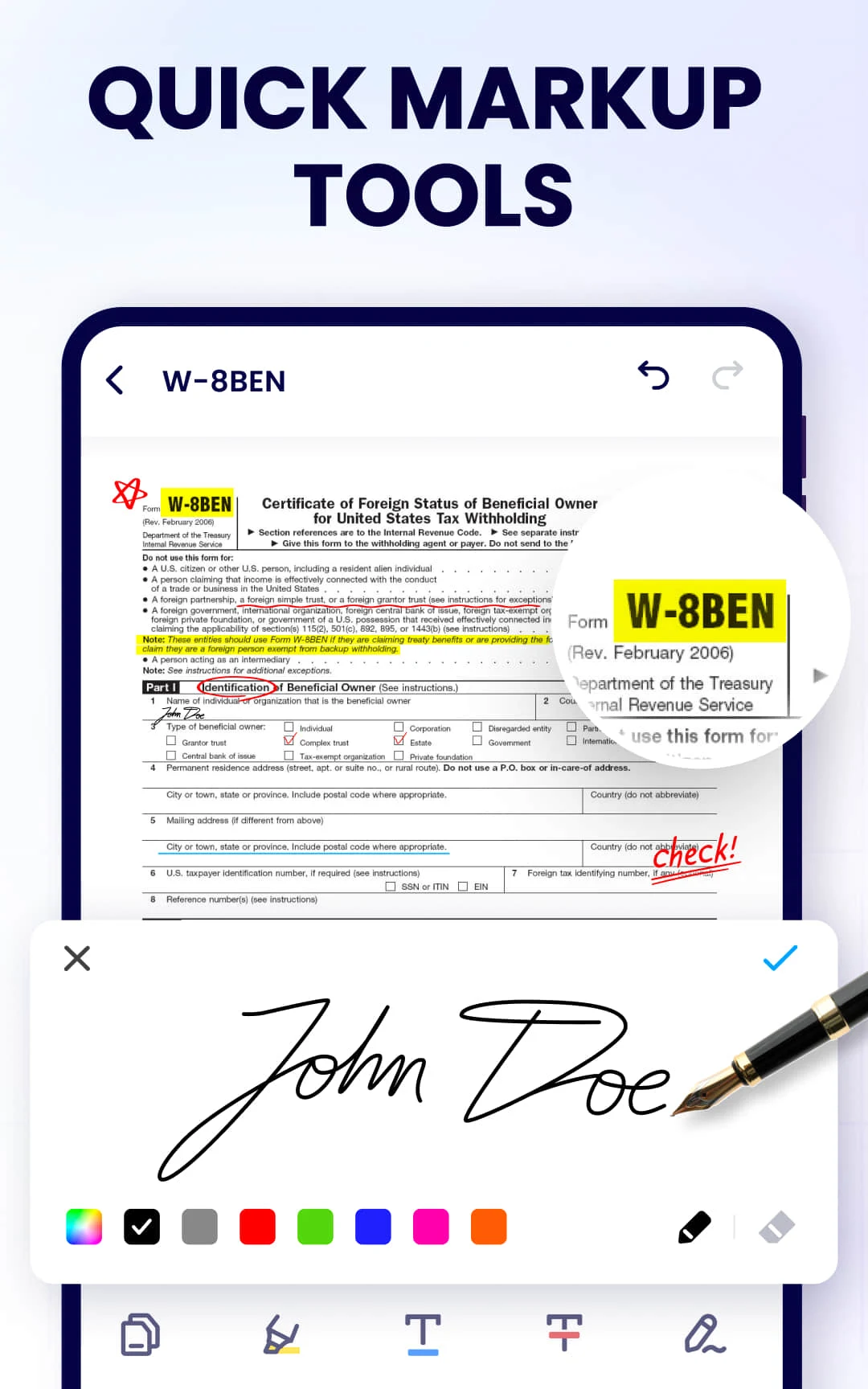
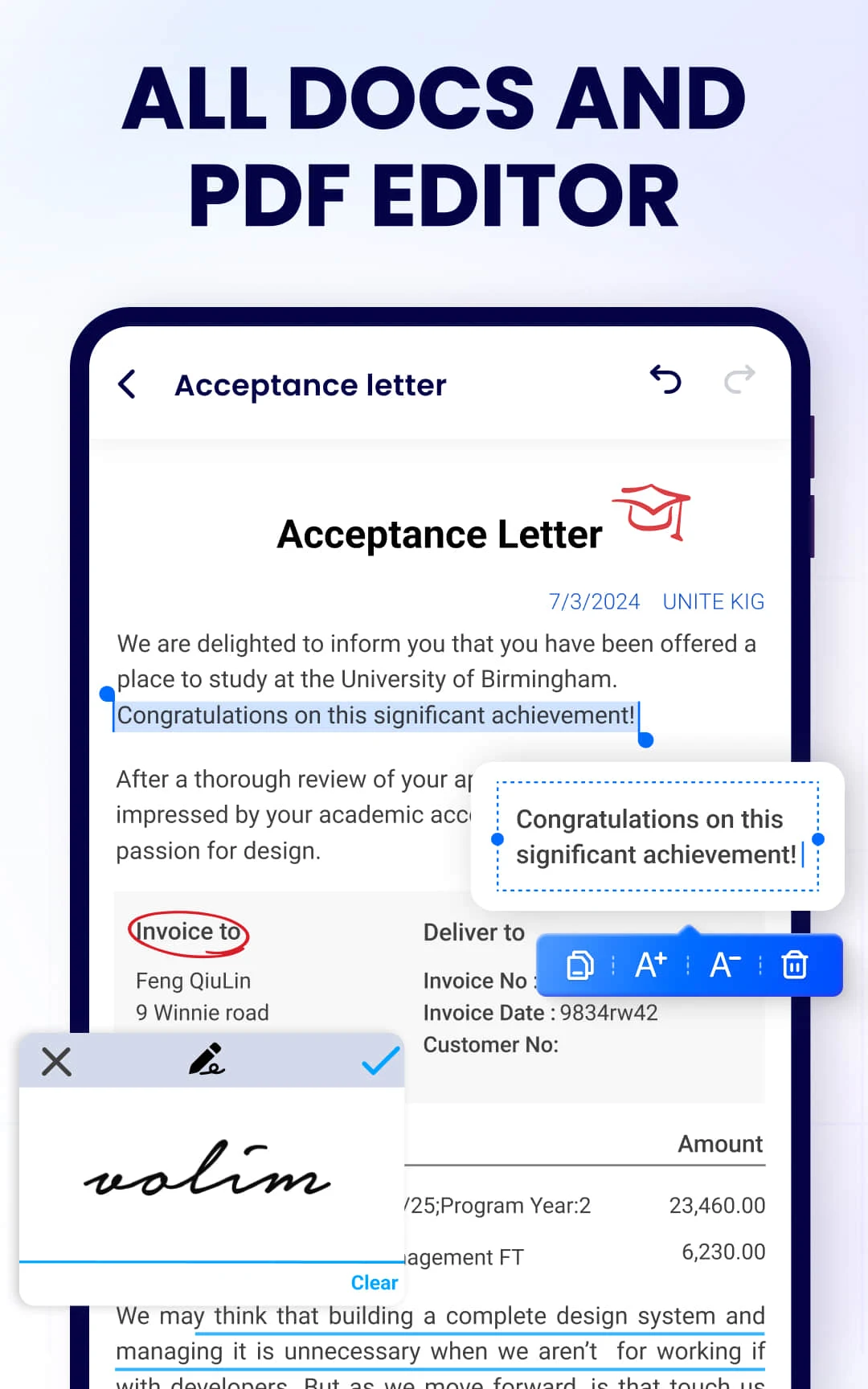
Editing and annotation tools:
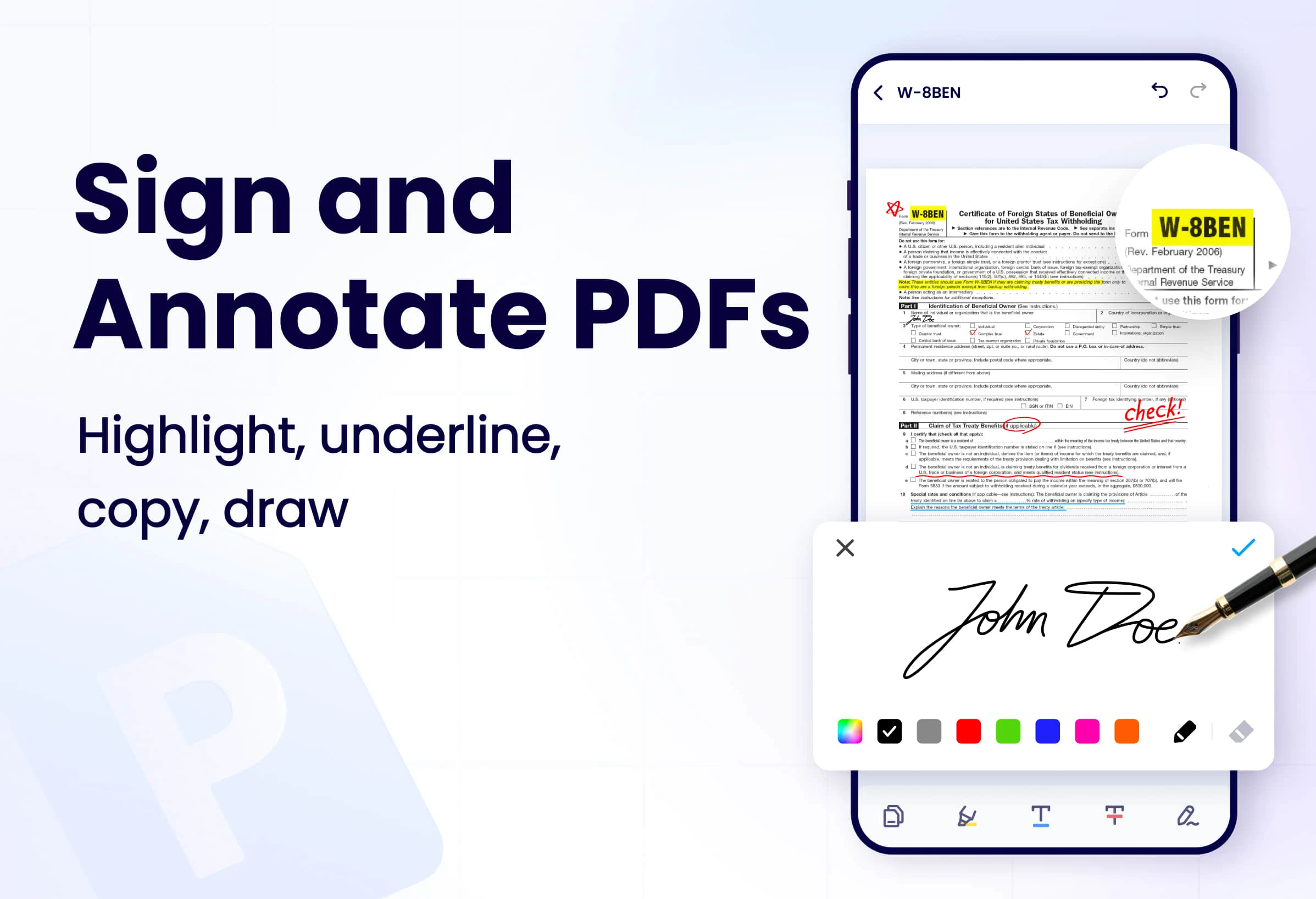
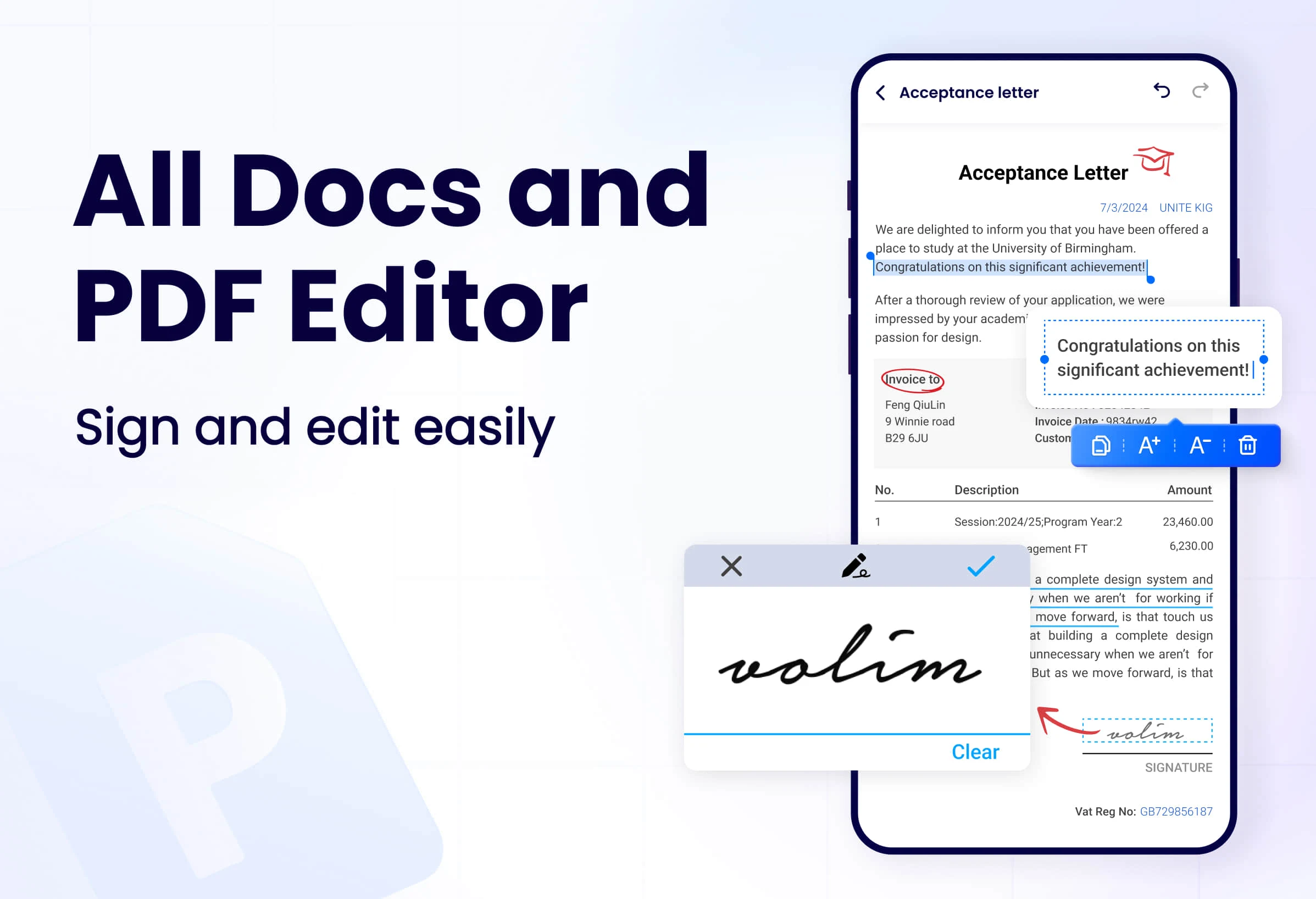
Users can add notes, highlight text, insert text, and draw graphics, making it ideal for academic research, work reports, and project collaboration.
Document management:
Provides file organization functions, such as classification, sorting and search, to help users manage large amounts of PDF documents efficiently.
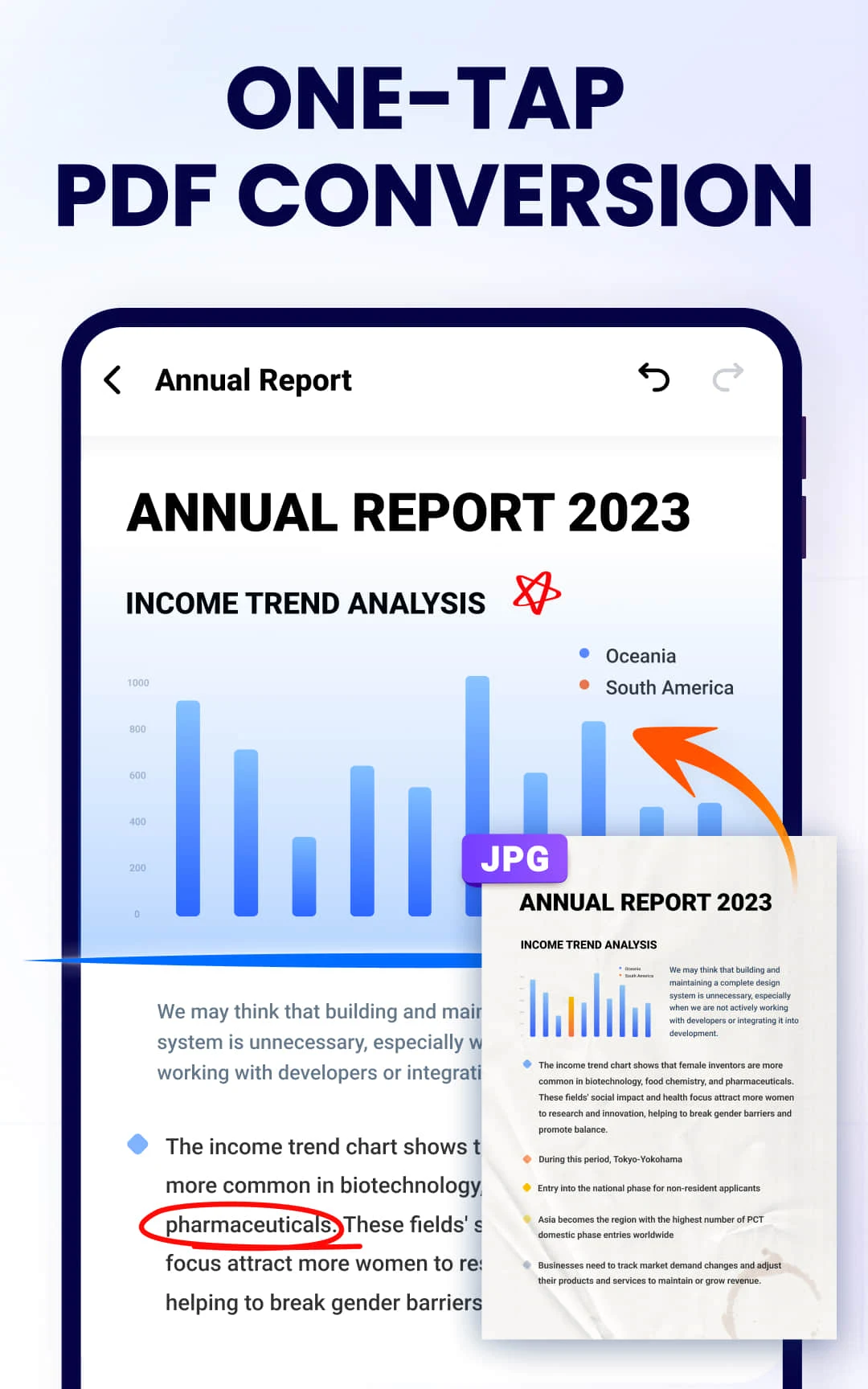
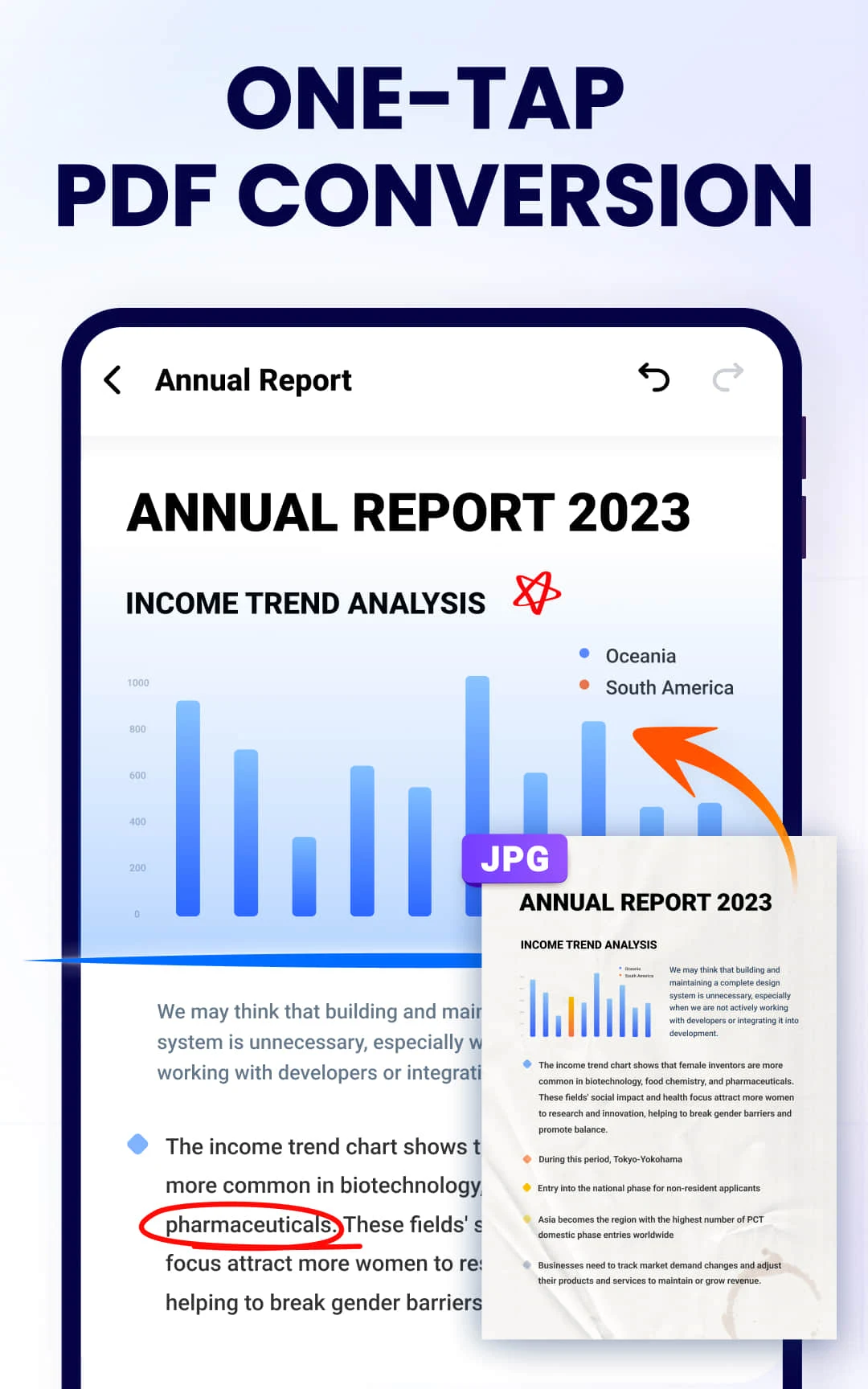
Conversion function:
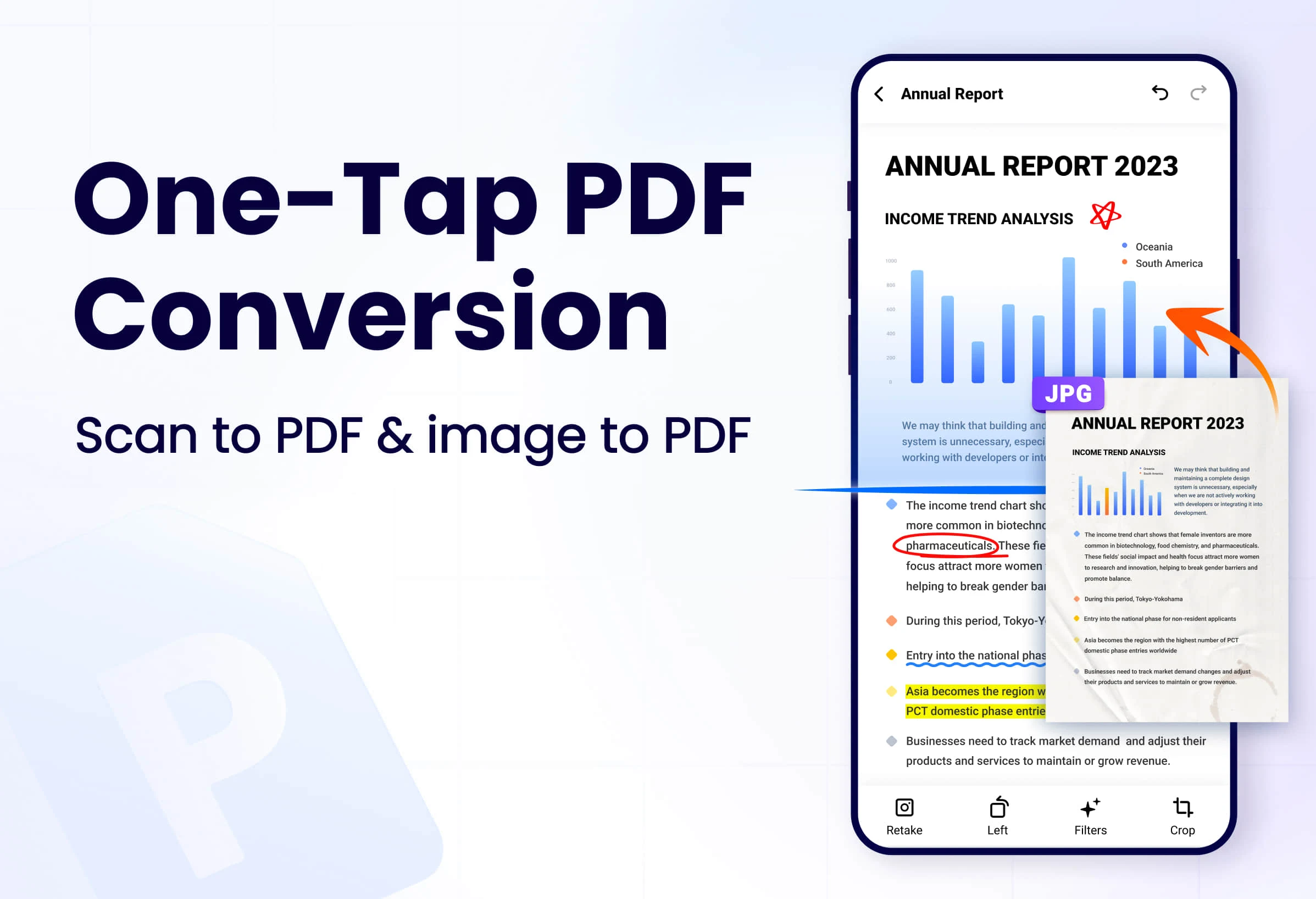
It may support converting PDF files to other formats, such as Word, Excel, pictures, etc., to facilitate further editing or sharing of content.
Cloud sync and multi-device access:
Through integration with personal cloud services, such as Dropbox, Google Drive, etc., cloud storage and cross-device access of documents are achieved.
safety:
Provides encryption protection function to ensure the security of sensitive documents. Users can set password protection to prevent unauthorized access.
OCR technology:
Some advanced versions may include OCR (Optical Character Recognition) functionality, capable of converting scanned PDFs into editable text.
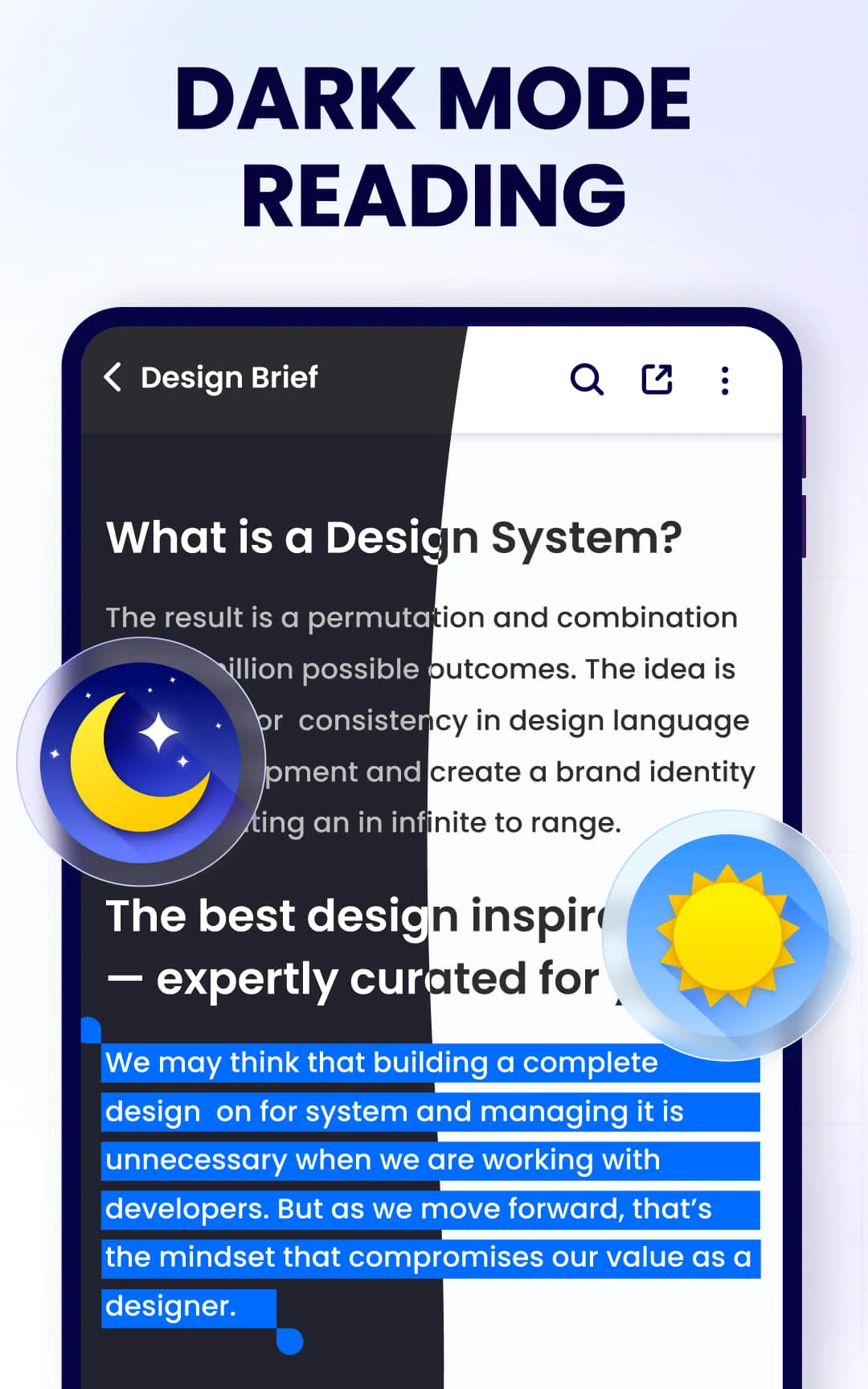
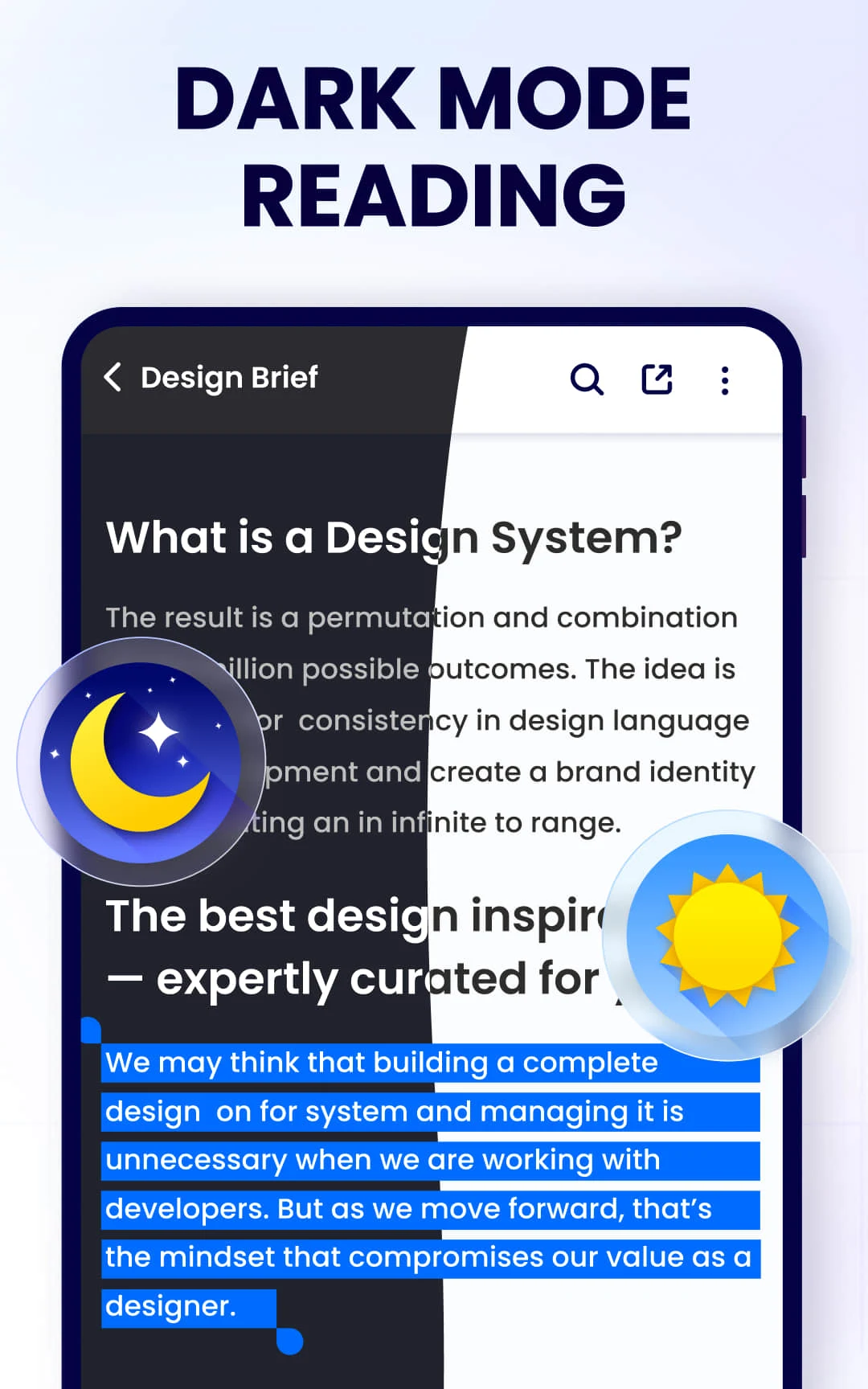
Auxiliary learning tools:
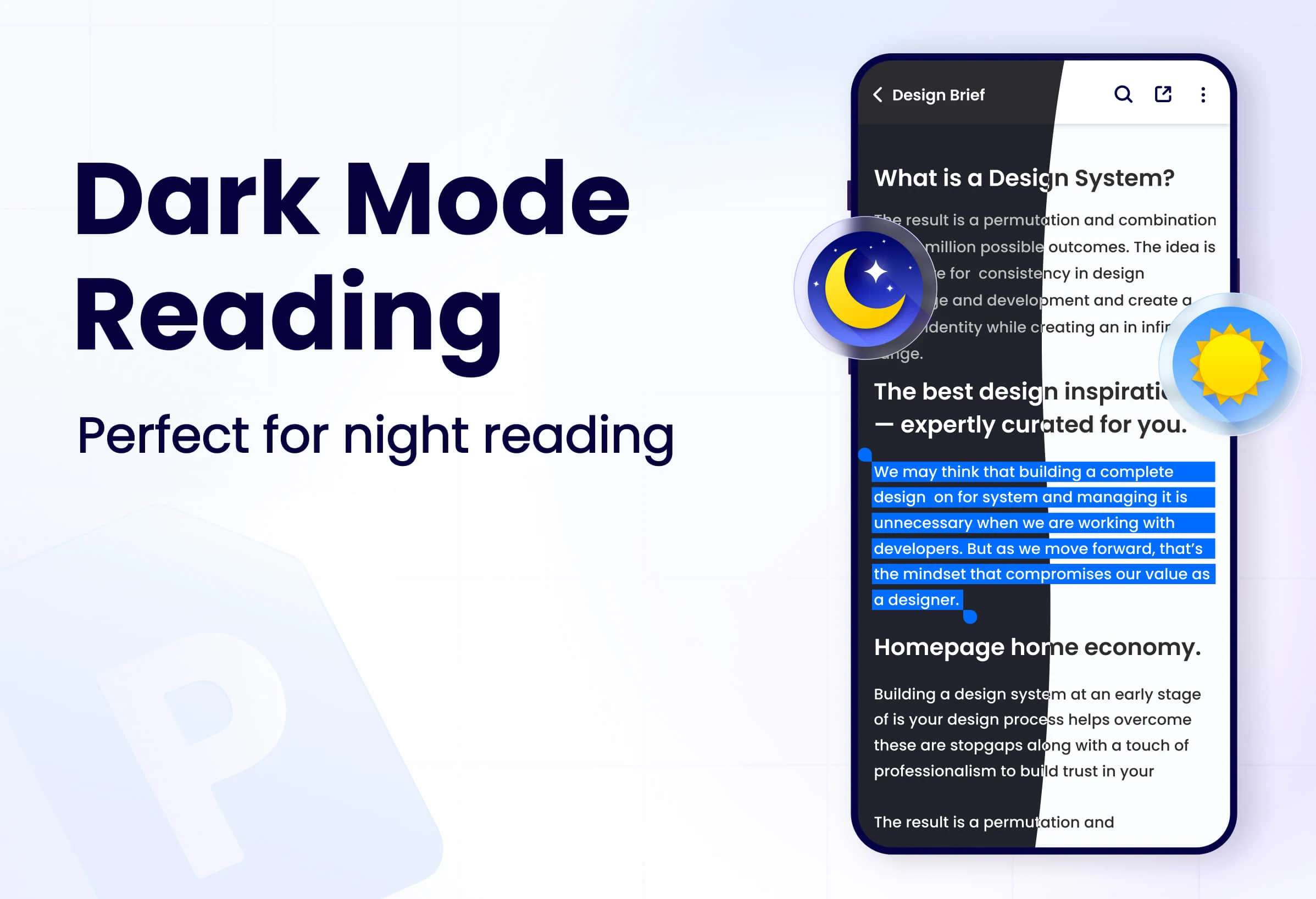
It includes bookmarks, auto-scrolling, night mode and other functions to optimize the reading experience, especially suitable for students and educators.
Subscription vs. free version:
Apps may offer free versions, but advanced features such as editing, OCR, etc. may need to be unlocked through a subscription service.
user interface:
The design is simple and intuitive, ensuring users can get started quickly, whether viewing documents or making complex edits.
Platform compatibility
"PDF Reader-PDF Viewer" supports iOS and Android smartphones and tablets, and also has desktop versions for Mac and Windows, ensuring users can seamlessly switch between different devices.
Performance and updates
Developers regularly update apps to enhance performance, fix known issues, and add new features to ensure users get the best experience.
"PDF Reader-PDF Viewer" is a comprehensive PDF processing tool. It not only meets basic reading needs, but also provides rich editing and management functions. It is suitable for a wide range of user groups, from students to professionals.Functions that suit you.








It's a cool app...I absolutely love it ...it helps with some of my assignments just that there's some ad delay with makes me impatient at times
Okay. It does the job. A Little bit better than the basic Phone app but not enough to justify the extra ads. I wanted it to not have to reload pdf pages all the time when i frequently Access a document but it does not. Misleading ads and notification try to trick you into clicking them by mistake
Great PDF Reader! You can highlight, copy the text, rename the file, etc. The menu is clean, organized, and easy to manipulate files in. I was just looking to highlight text in my pdfs, so this meets my needs fine. Please note there is a brief ad when switching files and a banner ad when viewing a file. Thanks to the team/developer for making this absolutely free!
This App is opening up a brand new world for me to explore new ways for improvement and be better organized, helping with me to stay on top of my work load with ease! Thank you for helping me get everything under control! Solving all my problems in 1 awesome app!
Didnt know how usefull this app was ?? usually just down load movies pictures and 1 time i down loeaded a catalougvand forgot a bout it and then i remembered i had to go to pdf mode so i downloaded this app again and it took me exactly where i should have been in the begin8ng thanks for your great design manufacring a fantastic p roduct i do thank you and yours fr
To be honest, this app is great. I love it cause it is helpful for every student, and for other people. It helps me to deposit anything or any document. That's why i am giving it 5 Star. But there is a problem, it provides adult ads. Today when a teacher opened the app in front of every student in a digital board, unexpectedly an adult adultive ad came. It was too much embarrassing for us. I request you to give informative ad. Or any ad you want. But don’t give this type of ad. Thank you.
L love it it's a great app and all but it could be even better maybe if when your installing to another phone or device (not the same as the previous one) it could still have the files you downloaded so you don't have to download the files again.lt saves time and energy.