


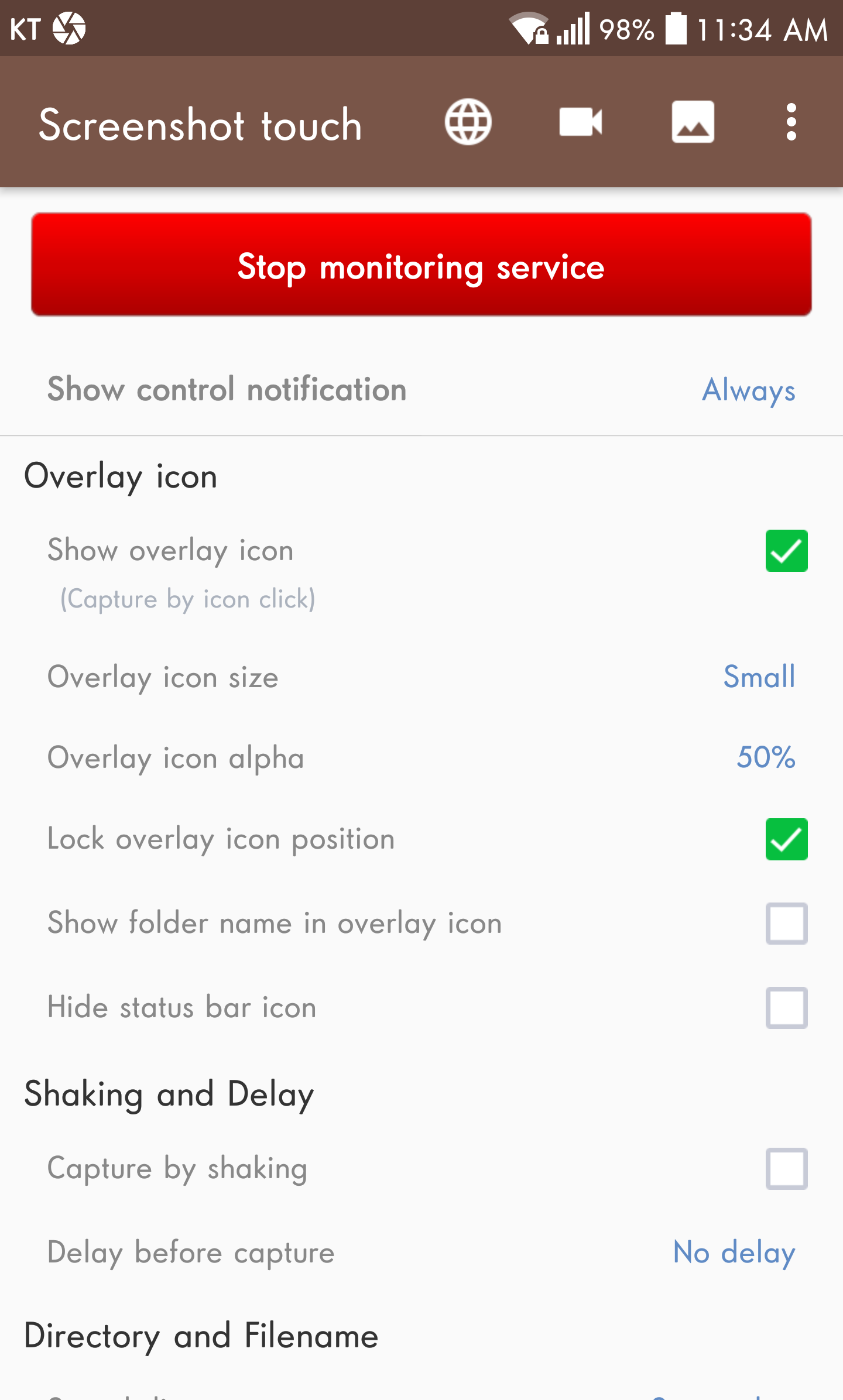
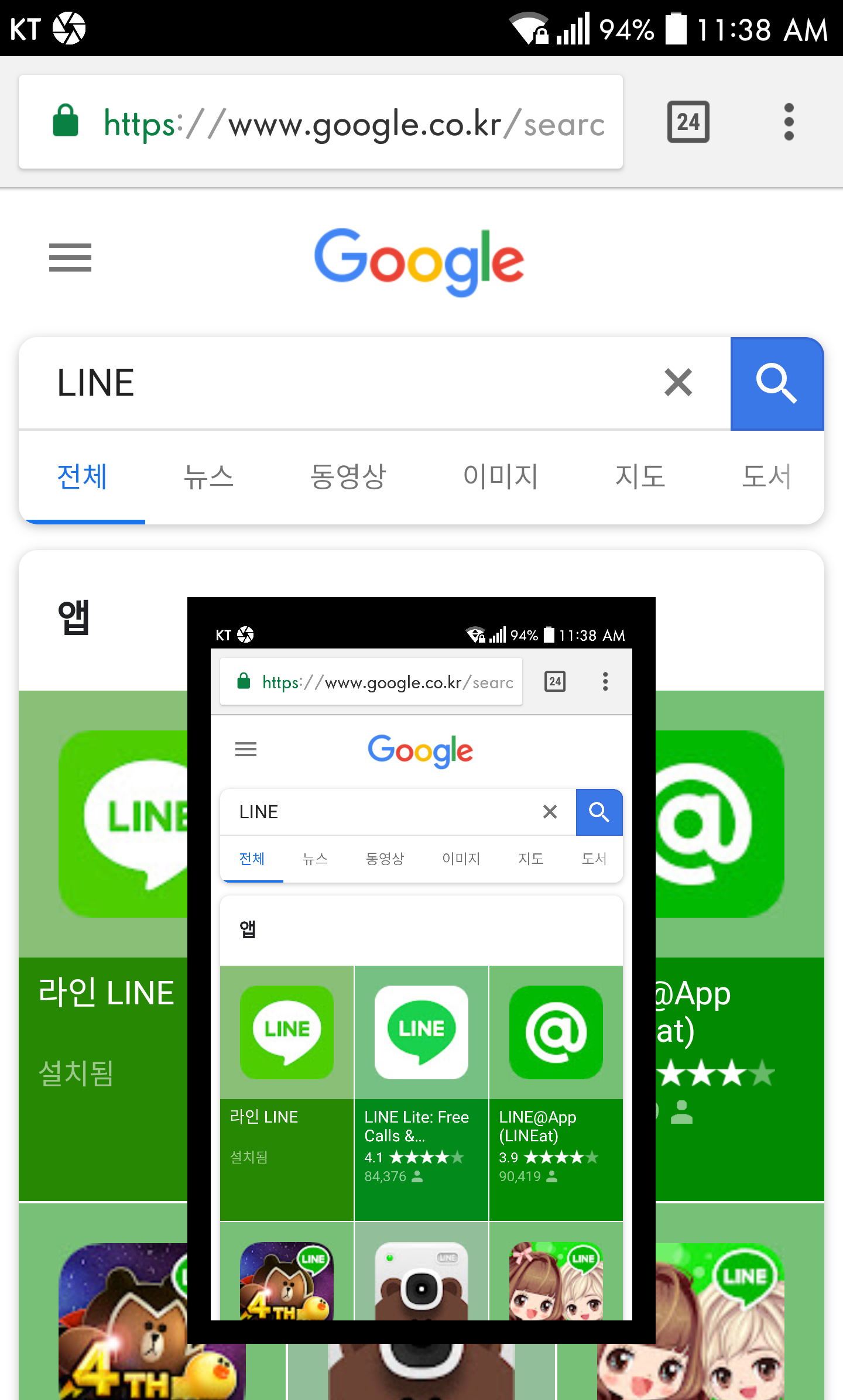
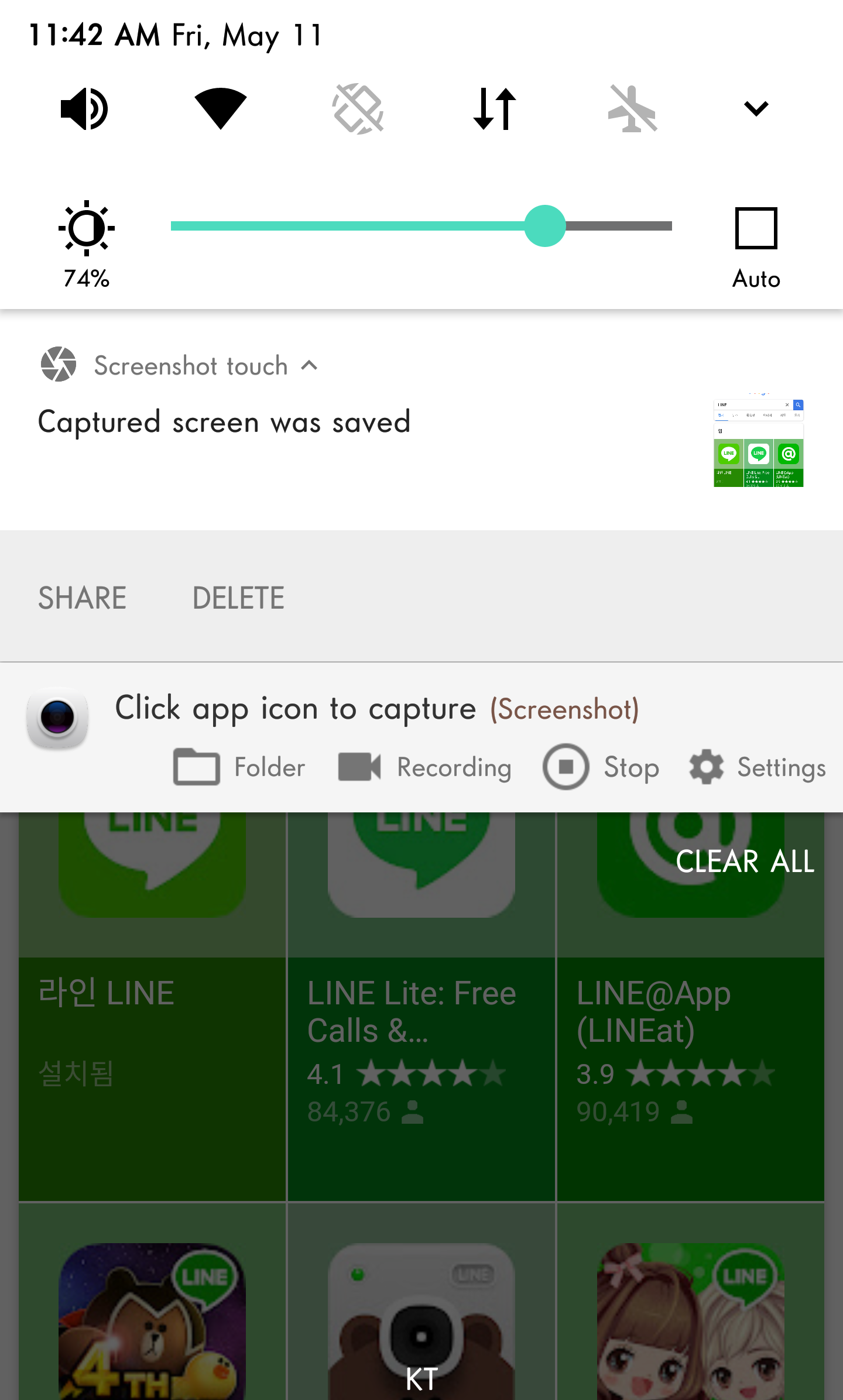
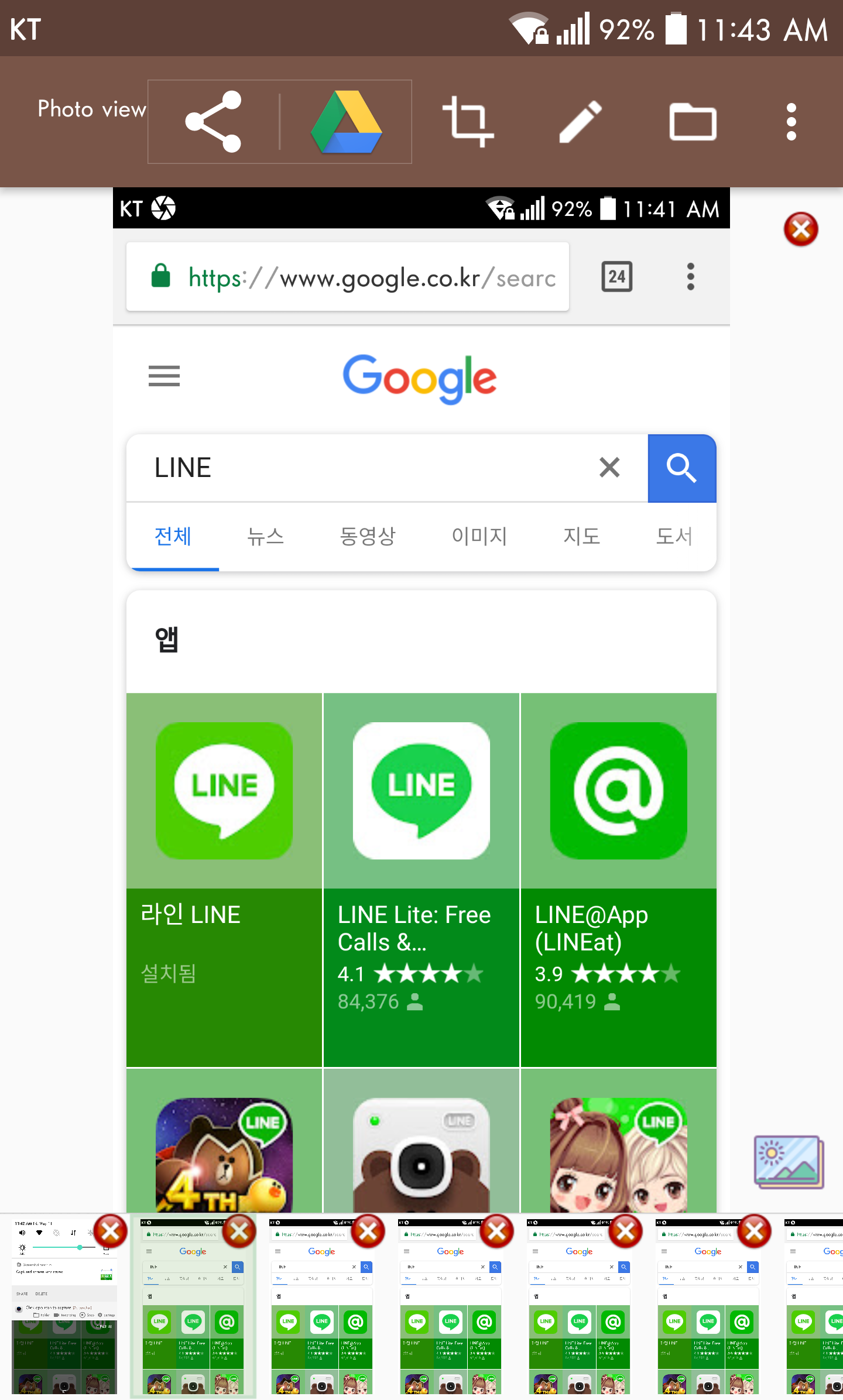
Screenshot Touch is a powerful screenshot application that integrates many commendable advantages.Supports a variety of screenshot modes, such as full-screen screenshots, scrolling screenshots, and flexible area screenshots, meeting users' screenshot needs in different scenarios, making the screenshot operation fast and convenient, and Screenshot Touch allows users to customize screenshot gestures and button settings, which means that users can flexibly configure the screenshot function according to their own usage habits and needs, which greatly improves the efficiency and personalized experience of screenshots.
Screenshot touch function
Capture screenshots by touch (notification area icon overlay, shake device).
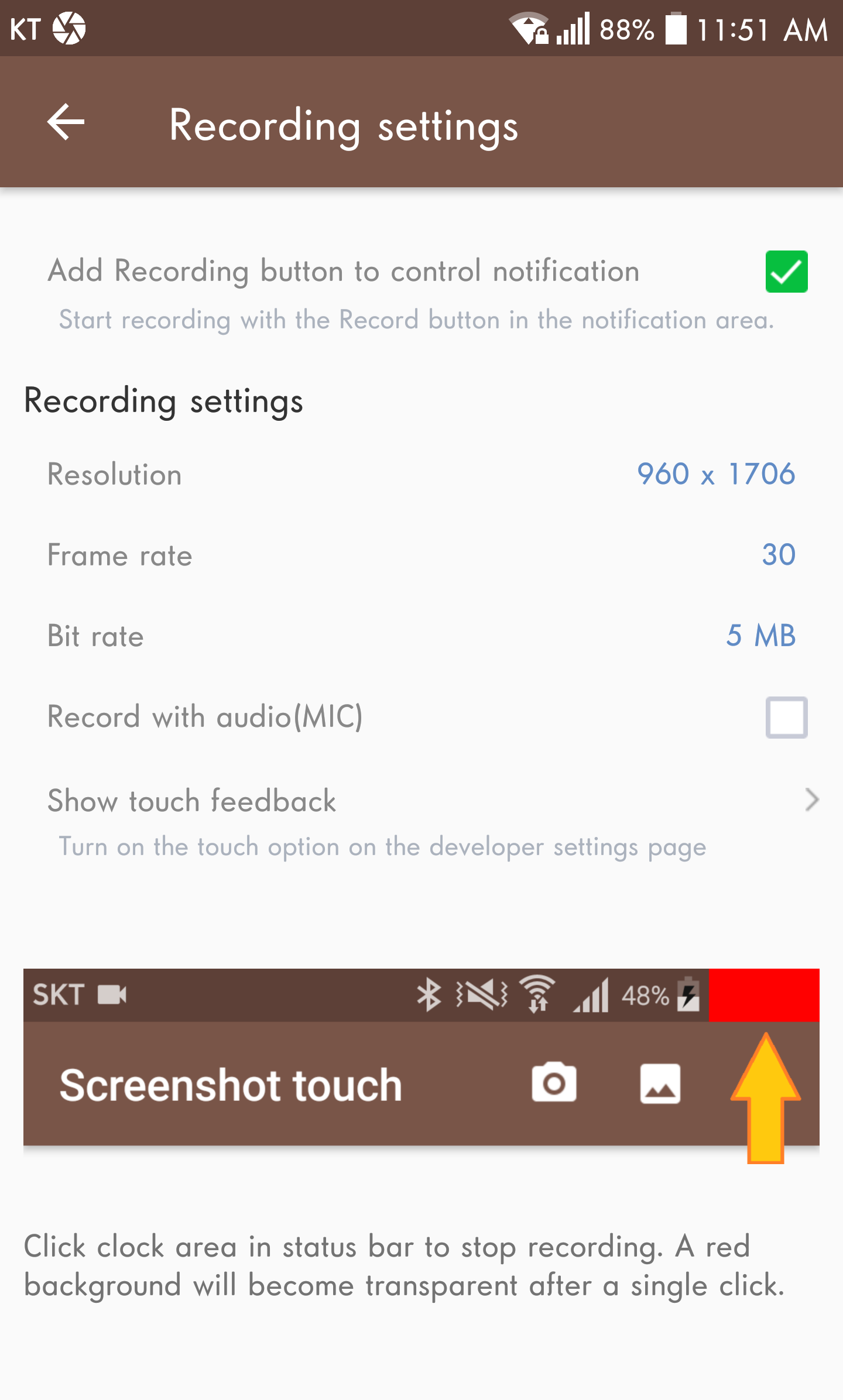
Record screen as MP4 video and provide option settings (resolution, frame rate, bit rate, audio, etc.).
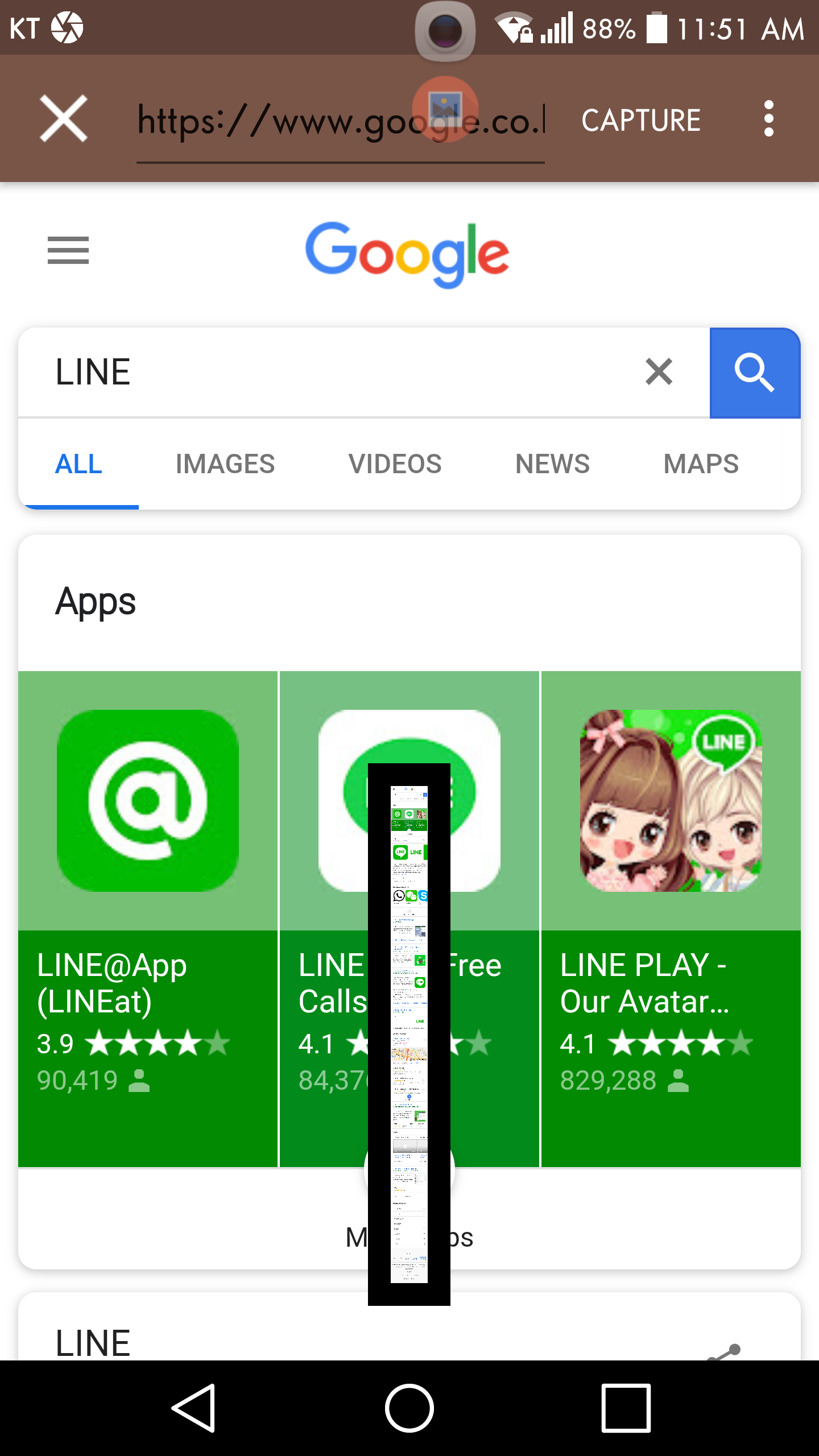
Supports overall scrolling capture of web pages, including by sharing the URL to the web browser and selecting the screenshot touch method, or directly calling the in-app browser.
Picture browsing function.
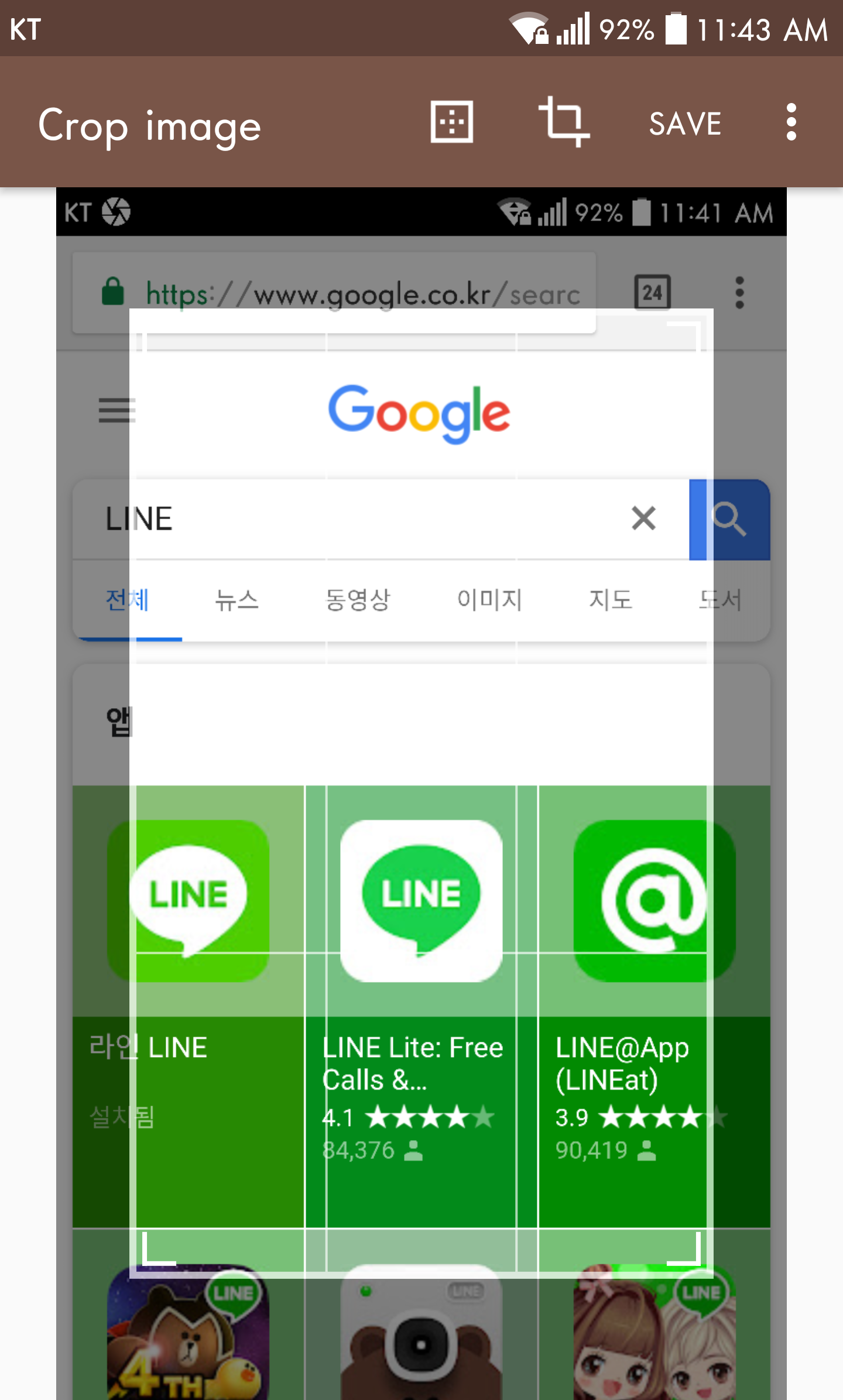
Image cropping capabilities including crop proportions and rotation.
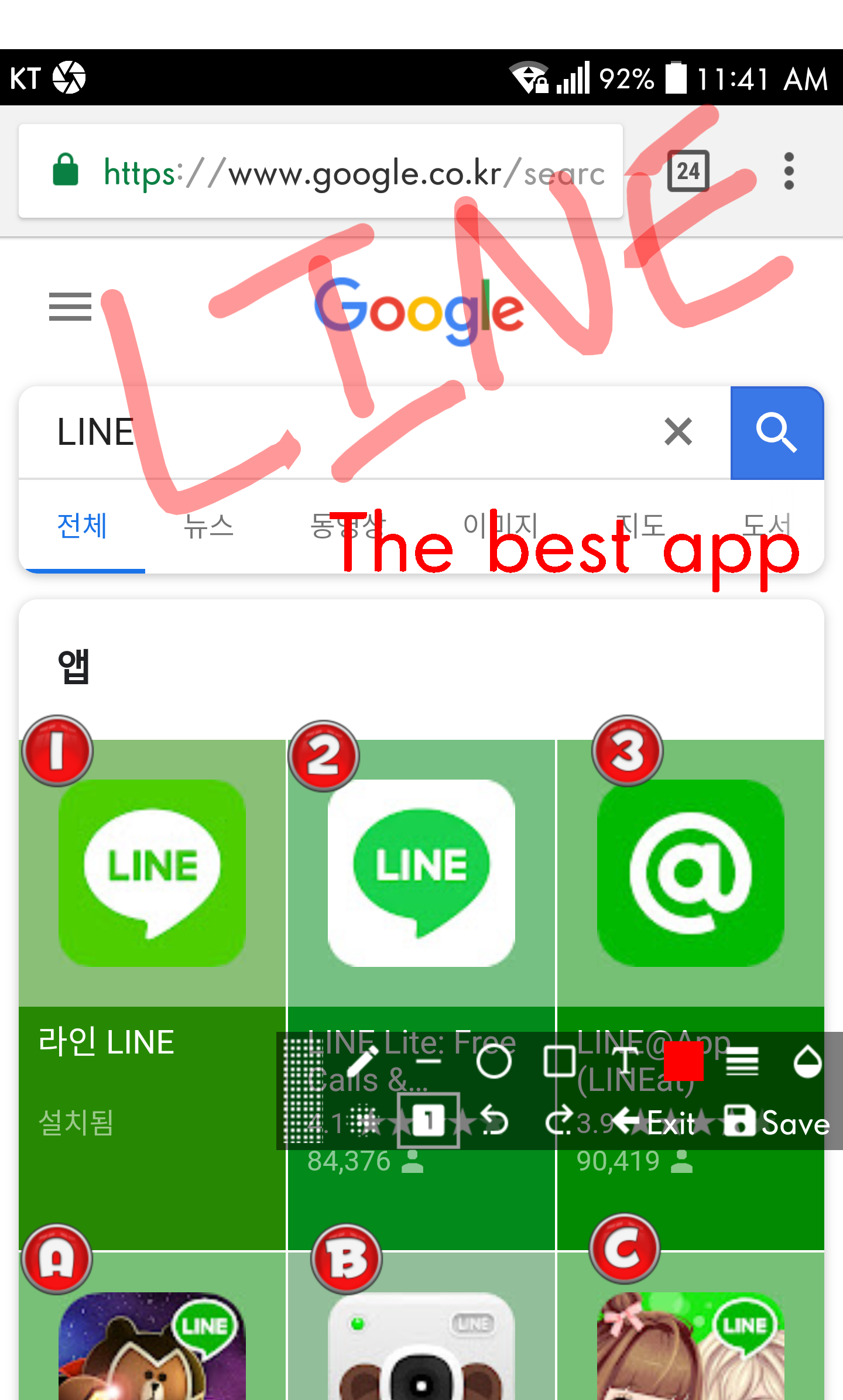
To draw the captured image, you can use pen, text, rectangle, circle, stamp, opacity and other tools.
Screen display image can be shared with other installed applications (user controllable).
Provides multiple capture options, such as selecting the save directory, optional subfolders, file formats, JPEG quality, shooting delay, etc.
















WHY DOES IT KEEP SWITCHING ITSELF OFF? THIS IS INCREDIBLY ANNOYING. I have to go out of the app where I need a screenshot t t's good, much easier than pressing two buttons. I need a lot of screenshots. Only problem is the bottom sometimes just disappears and I have to recall the app, otherwise I'd give 5 stars. LATELY the app has been just switching itself off, so iy is not available when I want it. Hope the new version fixes that! WHY DOES IT KEEP SWITCHING ITSELF OFF???? THIS IS VERY ANNOYING!
It is great...I have the touch button .. at the top centre of my screen...when I want to make a picture of whats on the screen ...I simply press that one button...Its good for when want to look at that screen again later..... or even research more about..what.s on the screen. The pictures are all saved in one file..and are easy to scan thru. I have many many pictures..i crop them.sometimes.. and I like really this Screenshot Touch.. app......d
It's a good game and the screenshots work perfectly, but the recorder is garbage!! It doesn't even give a timer for when it starts! It just starts recording so when I try to rec a gacha video it would instantly record when I need to hide the control panels first but yet again.. It starts immediately. And then today it stopped working and I couldn't see the screenshot control panels to start recording my new intro!! Guys you either fix your screen rec, or remove it!
What happened?? Bugs and glitches seem to have taken over in the last several months. The overlay camera image doesn't work when you press it the first time and then it just randomly disappears. Then, when you go to the app, sometimes it has turned off, sometimes not. Also, even without activation, it will start quickly capturing whatever image you are looking at. PLEASE FIX THIS!
Great app! My phone's power button got a little tight and wonky and I was frustrated because it was hard to screenshot since I had to push the button down really hard. Luckily, this app still allows me to screenshot very smoothly and easily. And, it takes good quality screenshots!👍Thank you!!😀
I really like this app for quick screenshots. My only issue is that I have my phone on dark mode and it's impossible to see anything written on the pop-up for folder creation. If the window was larger it would be much easier to see the print when you're using dark mode.
Great app! Lots of functions, easy to use. Works consistently. The only feedback to developer is to change the description "hidden overlay under clock" to " under status bar at top right of screen". My clock is on the left side and it took me a few tries to figure out the correct action. ✌
Perfect app for screenshot and editing, and recording. Theres another app that has almost the same settings with this and has a prettier interface. But this app looks cleaner to me. Im also sticking with this app because it lets me screenshot using the home button. Though I hope theres little or no delay just like when using the overlay. Overall this app is great. Thank you and good job!
This app is simple fast and easy for a quick screen shot. There is an option to place an icon in the pulldown drawer where the flashlight etc is making for a quick and easy immediate screenshot. What it does not have is the ability to take a long scrolling screenshot and the ability to save in pdf. If it had those functions it would be a great standalone screenshot app. Simce it doesnt i also have to use a longshot app and another app to convert to pdf. :(
This app gives no problems when running in the background, unlike certain similar ones. Setting it up is easy and intuitive. The menu is legible. When photographing during gameplay, it is apparent when and if a picture has been taken. Operation is discreet and batches of photos can be taken without one being forced to evaluate each after taking it (unless you prefer this, in which case it is available as a setting). I would recommend this program, especially for gamers.