


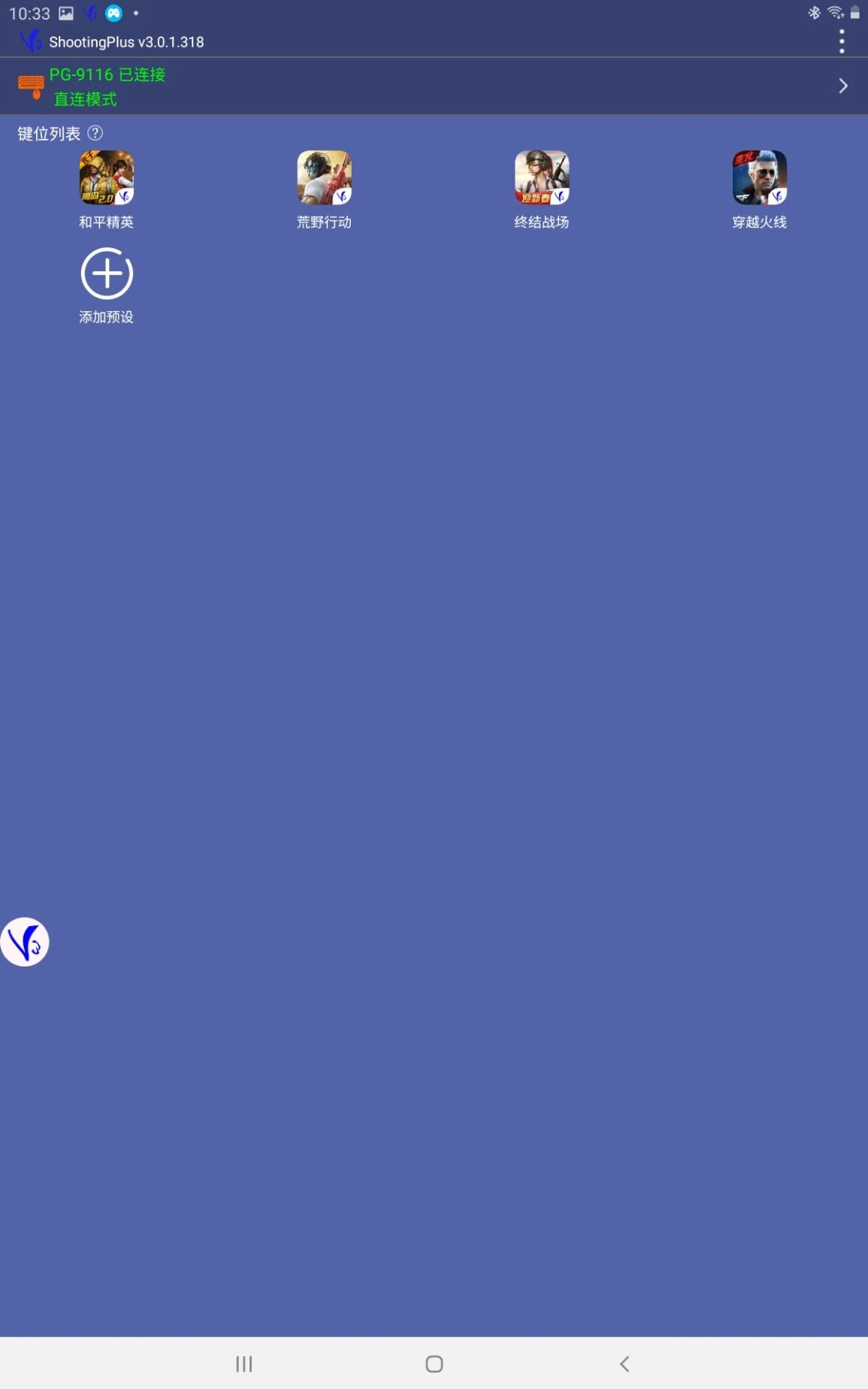
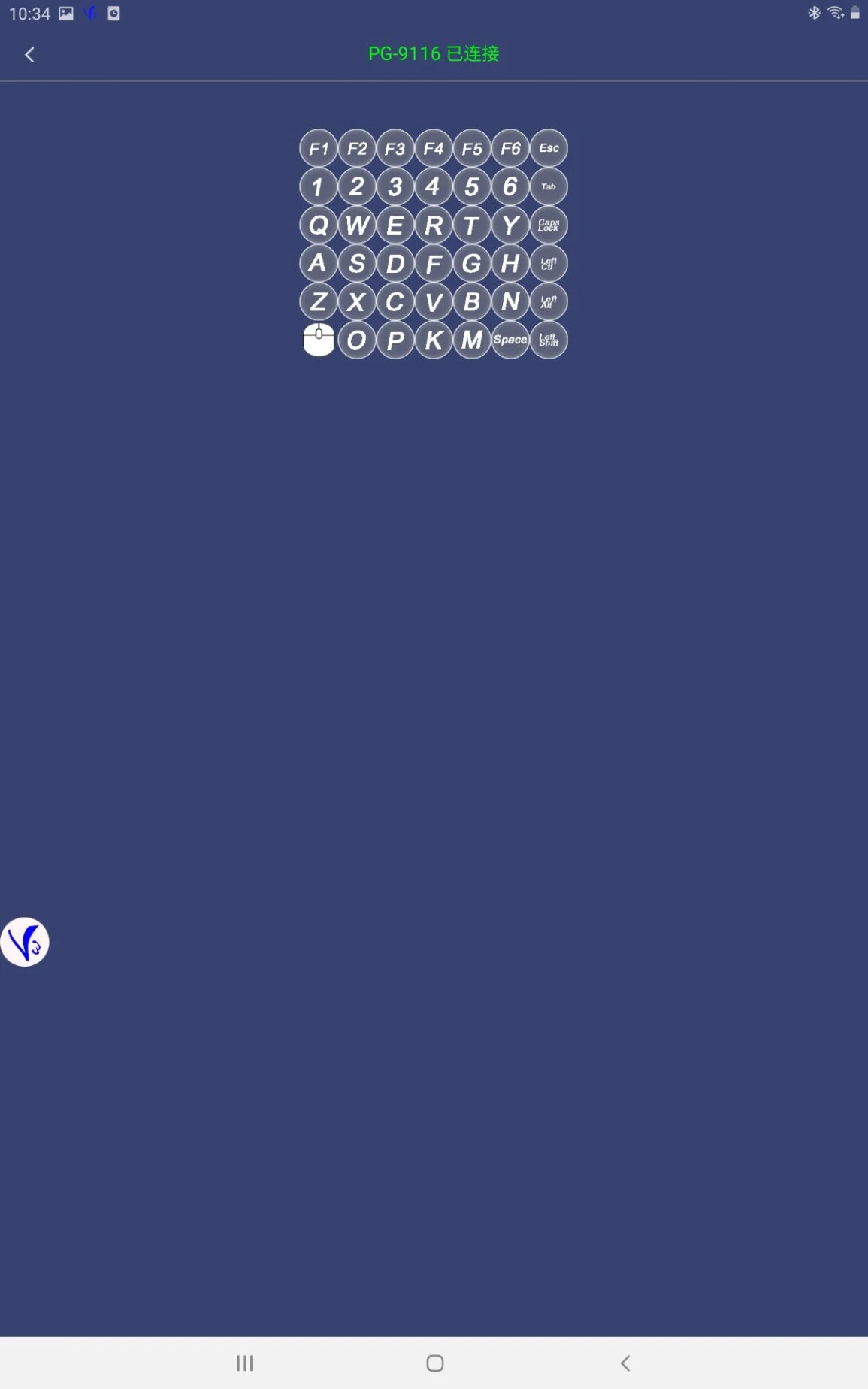
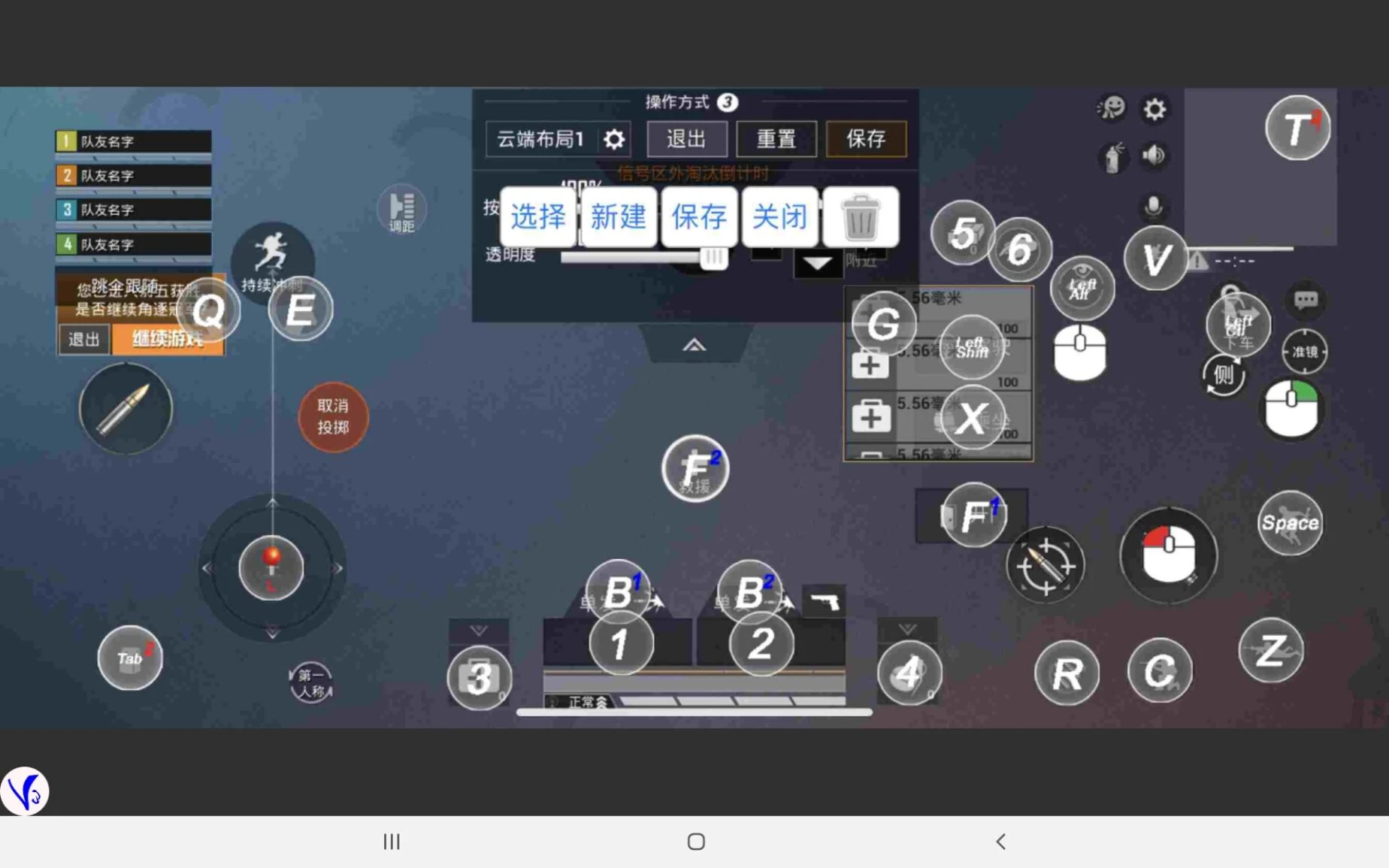
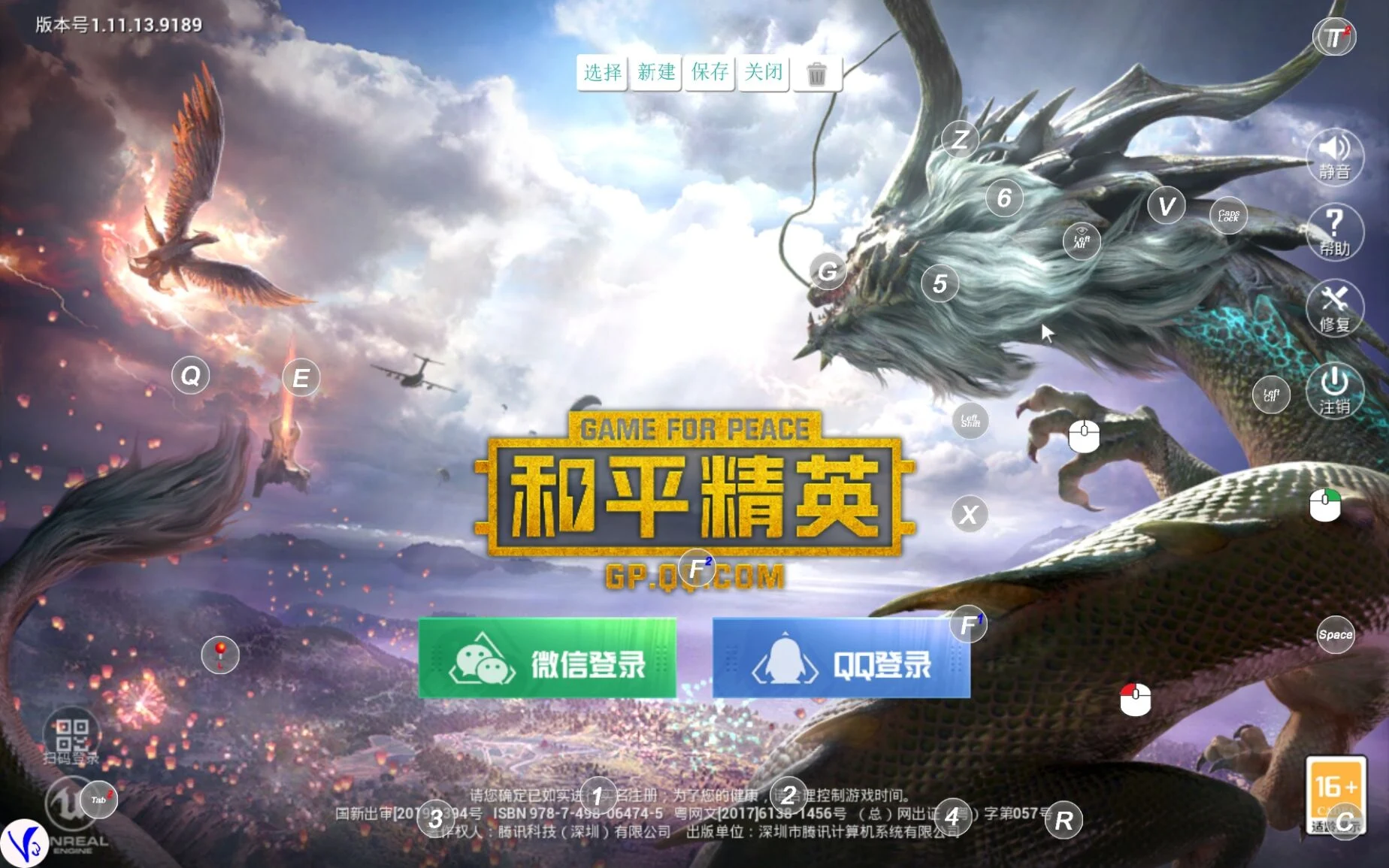
ShootingPlus V3 is a Bluetooth tool application designed to enhance the gaming experience, mainly for mobile controllers and throne devices.Through this app, users can achieve in-depth customization of the controller, including but not limited to the redefinition of button functions, precise mapping of click positions, and display settings for cursor simulation, which greatly improves the personalization and flexibility of game control.The ShootingPlus V3 app supports Bluetooth connection, allowing the controller and throne device to be seamlessly connected with mobile devices, providing players with a more immersive gaming experience.Whether it is precise aiming in shooting games or fast response in action games, ShootingPlus V3 can help players achieve a higher level of control and make the game process smoother and more comfortable.For players who pursue the ultimate gaming experience, ShootingPlus V3 is an essential tool to enhance gaming fun and competitive performance.
Basic features of ShootingPlus V3:
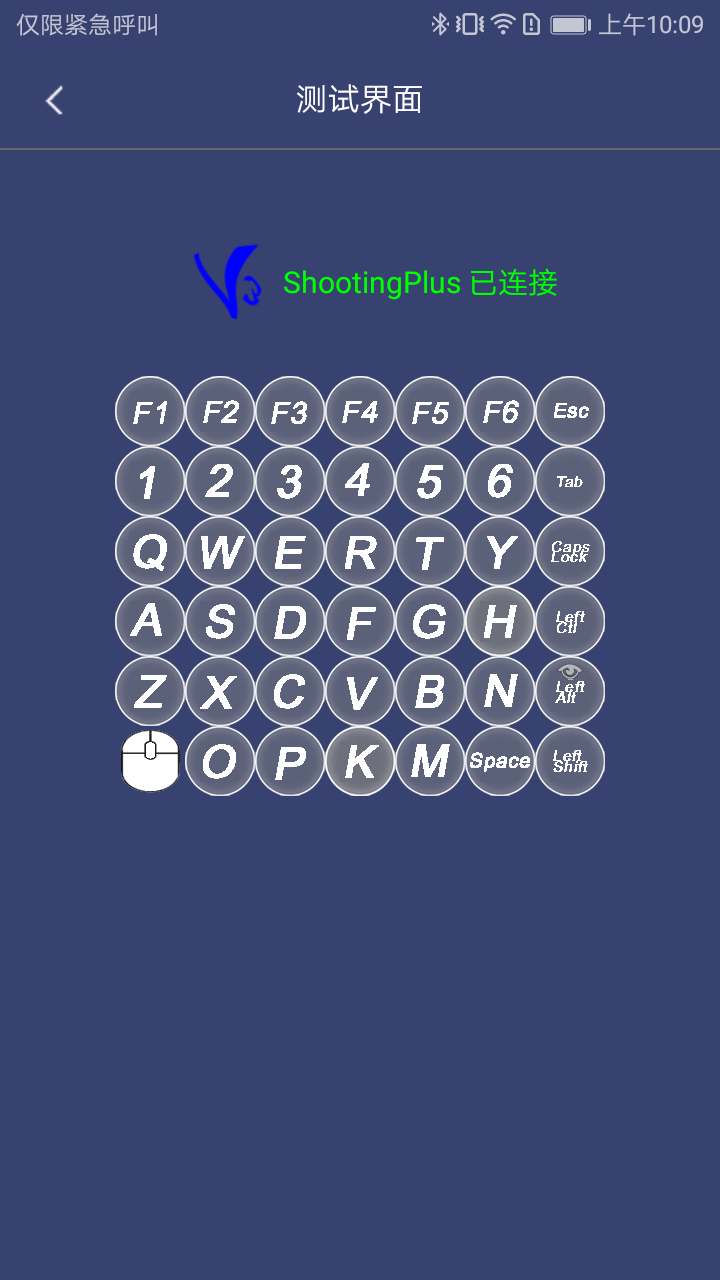
Bluetooth controller connection
Easily connect the controller via Bluetooth to achieve instant game control.
Custom key mapping
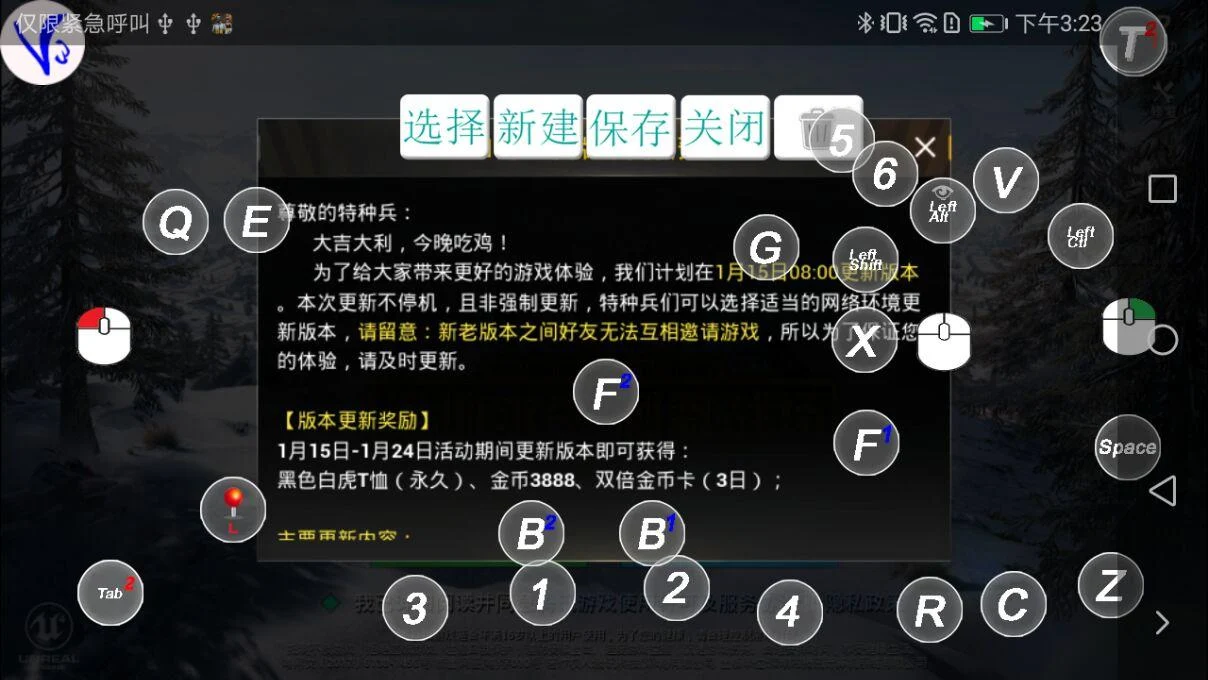
Users can customize button positions and functions to adapt to different gaming needs and improve operational accuracy.
Preset save function
The button configuration is automatically saved and can be quickly synchronized the next time you start the app, saving setup time.
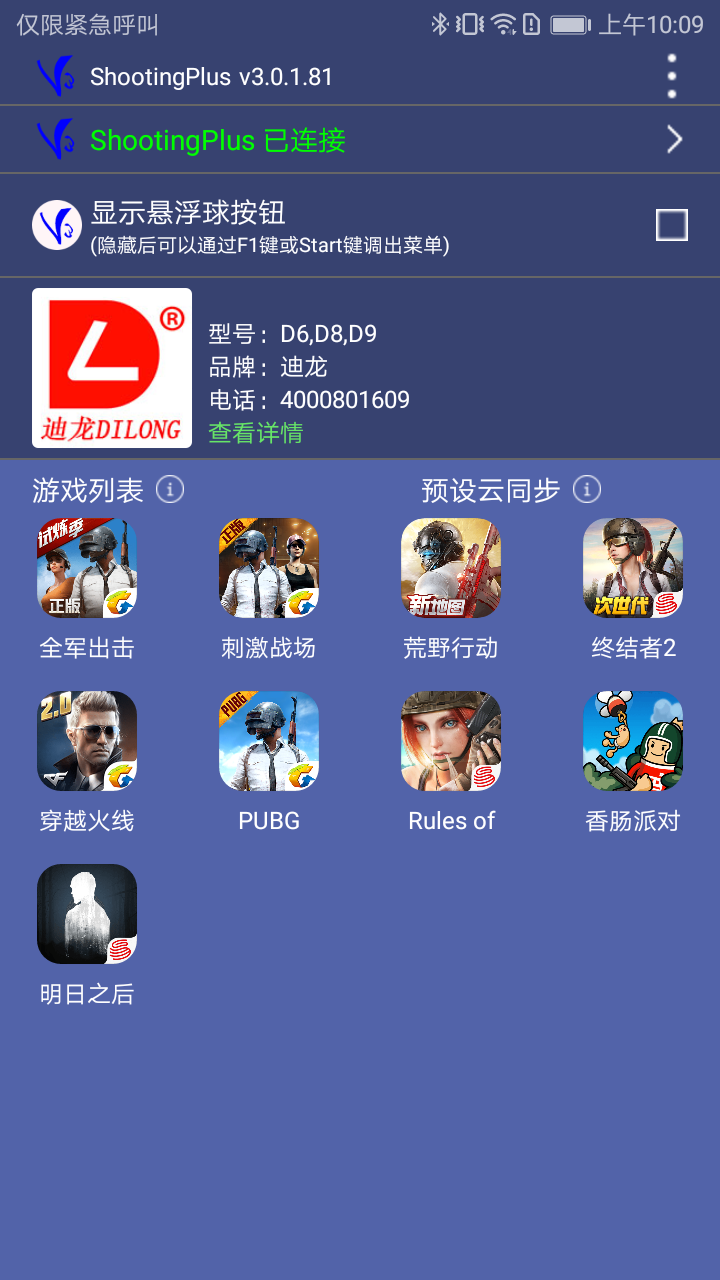
Broad game compatibility
Supports a variety of popular mobile games, such as Peace Elite, After Tomorrow, etc., to enhance the gaming experience.
Quick operation of floating ball
Enable the floating ball function for quick access to the homepage and provide convenient navigation control.
Highlights of ShootingPlus V3:
- Allows users to customize click positions and key functions according to game needs, improving control flexibility.
- Supports real-time adjustment of handle parameters to ensure the best operating experience in different game scenarios.
- Provides a simple and clear user interface that even first-time users can quickly master and easily perform various settings.
- The software's customization and adjustment functions enable it to adapt to a variety of game types and meet the operating preferences of different players.












Im giving it one star as I have been trying to let my device, which has connected by bluetooth and is working properly. But, im the app it still shows that the device has been not connected. Hopefully, this will get fixed.
It connected the first time but later when I paired my controller it wouldn't recognize it, I've spent an hour forgetting and repairing the controller as well as deleting and installing the app, removing the cache and storage. I'm at a loss on what to do now. Really sucks because I already blew the money on the controller and it says I need to use this app to config it
It works alright when it does. However, what frustrates me is that the start and select key binding used for this app! For some emulators and games and need start and select button. It becomes very frustrating. You already offer "floating ball" mode. Why not allow uses to remap those buttons instead?
Works good on every game I played on, the only thing is that layout differs on phone with ultra widescreen resolution, which explains why most people are having problems on using the premade layouts provided by the developer. With that said, software can be improved by enabling multiple layouts for each game. I had trouble setting multiple custom layouts for MP and BR for CoDM. Also, we need better options with some keys like having triple combination or double trigger mode for L+ and R+ combo.
The most unusable controls, I cant even use it to play Minecraft that has the most simple and basic controls you could ever possibly imagine! this app that supposedly map each button on screen. yet it can't do the simple things like the Move buttons (WSAD control) same as the break (Left mouse button) and place blocks (Right mouse button). And when you press more than 4-5 keys? the whole thing just stops. You can't even walk and place/break blocks at the same time!
Works well for me, but some slight issues to be fixed/improved. 1. Mouse - continuous clicking doesn't always work, some clicks don't work at all (normal clicking setting). Also when you move the mouse, it sometimes click on its own. When also clicking, it tends to lower your pov, lower and lower until your pov is on the ground. 2. Keyboard - pressing more than 2 keys doesn't mostly works. The Mouse is the main issue why i gave 2Stars, as it hinders a game and has many issues to be fixed.
The previous version is way better. I had a mind to change some of my key setting, only to end up with this mess: all keys are obsolete. Sure you can still set the keys according to your need, but after that the keys won't respond to the pressed button. Edit: It seems that the problem lies in the updated firmware. I tried using the older version, but the result is just the same. But, when I tried to unpair my devices, suddenly my gamepad name (default name: Ipega 9157) changed to T-3.