

Google Tasks is an efficient and convenient task and to-do management application that allows users to easily plan future schedules and ensure that tasks are executed quickly.The app has a built-in reminder function that helps users set notifications for to-do items so as not to miss important moments.At the same time, users can clearly track task progress, view task details at any time, and make necessary modifications and adjustments based on actual conditions.With Google Tasks, no matter where they are, users can conveniently manage to-do items through their mobile phones, flexibly respond to changes in daily plans, and stay efficient and organized.
Google Tasks features
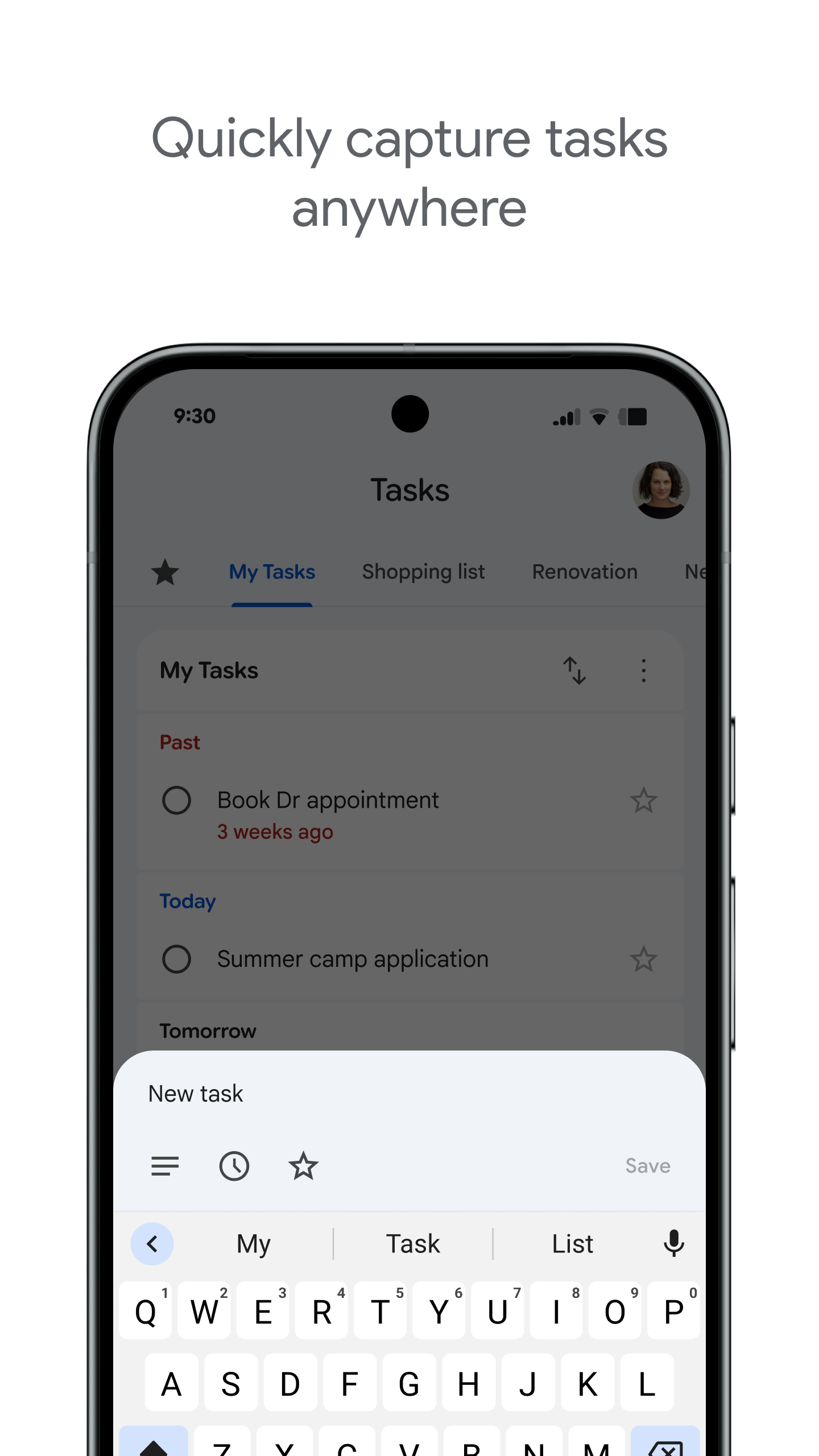
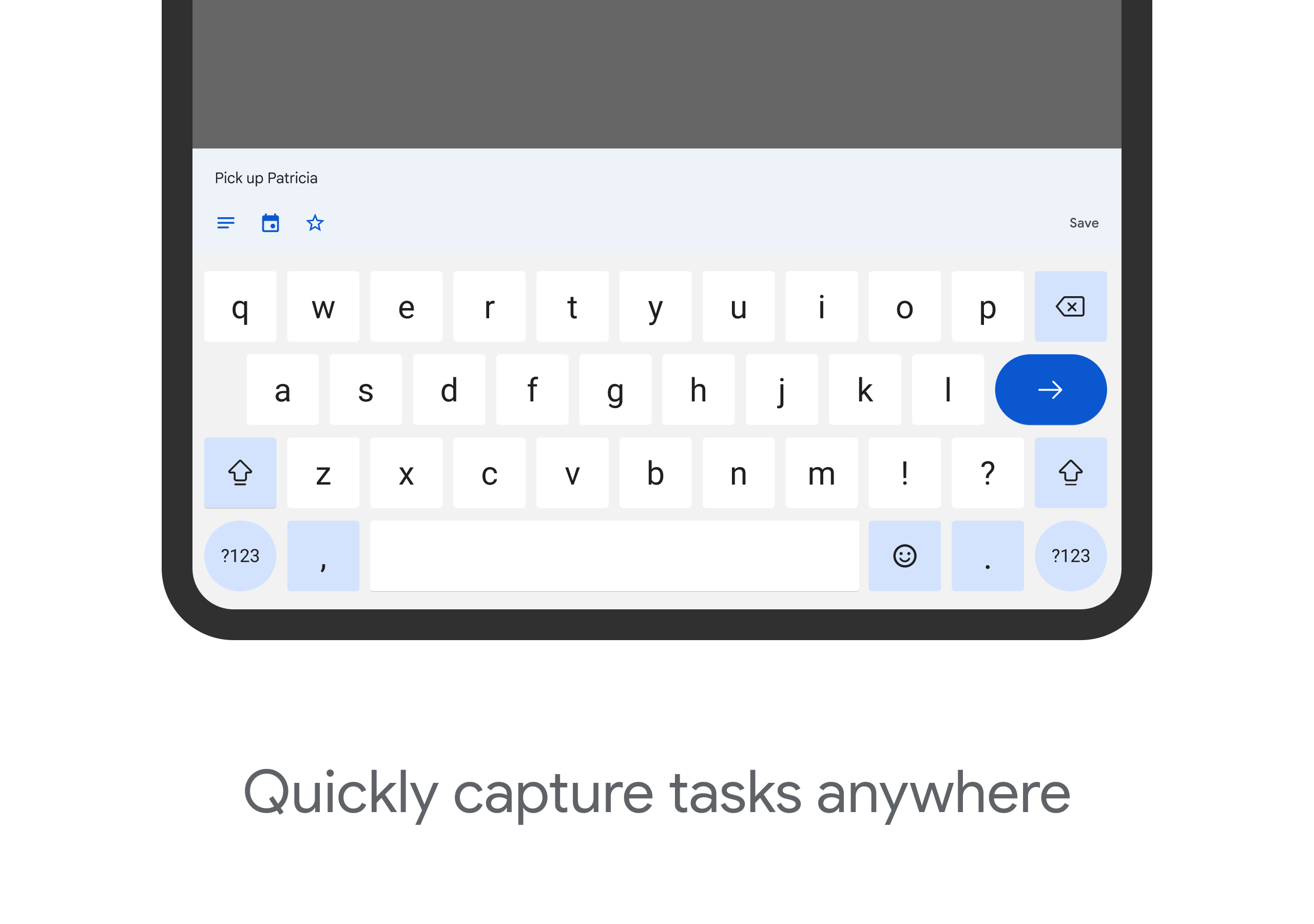
Quickly record tasks anytime, anywhere
• Create a task list of important to-do items
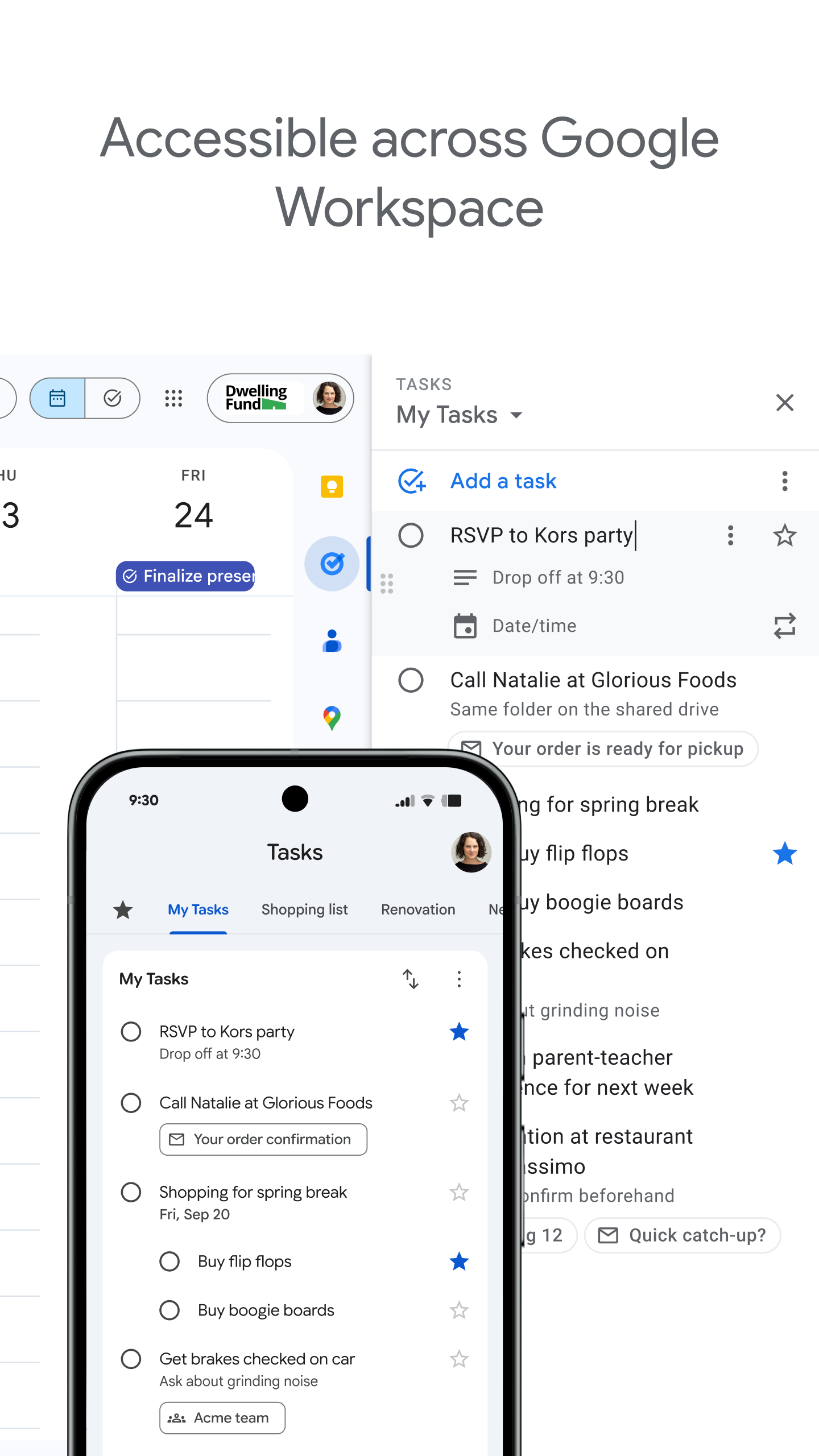
• View, edit and manage tasks anytime, anywhere, on any device
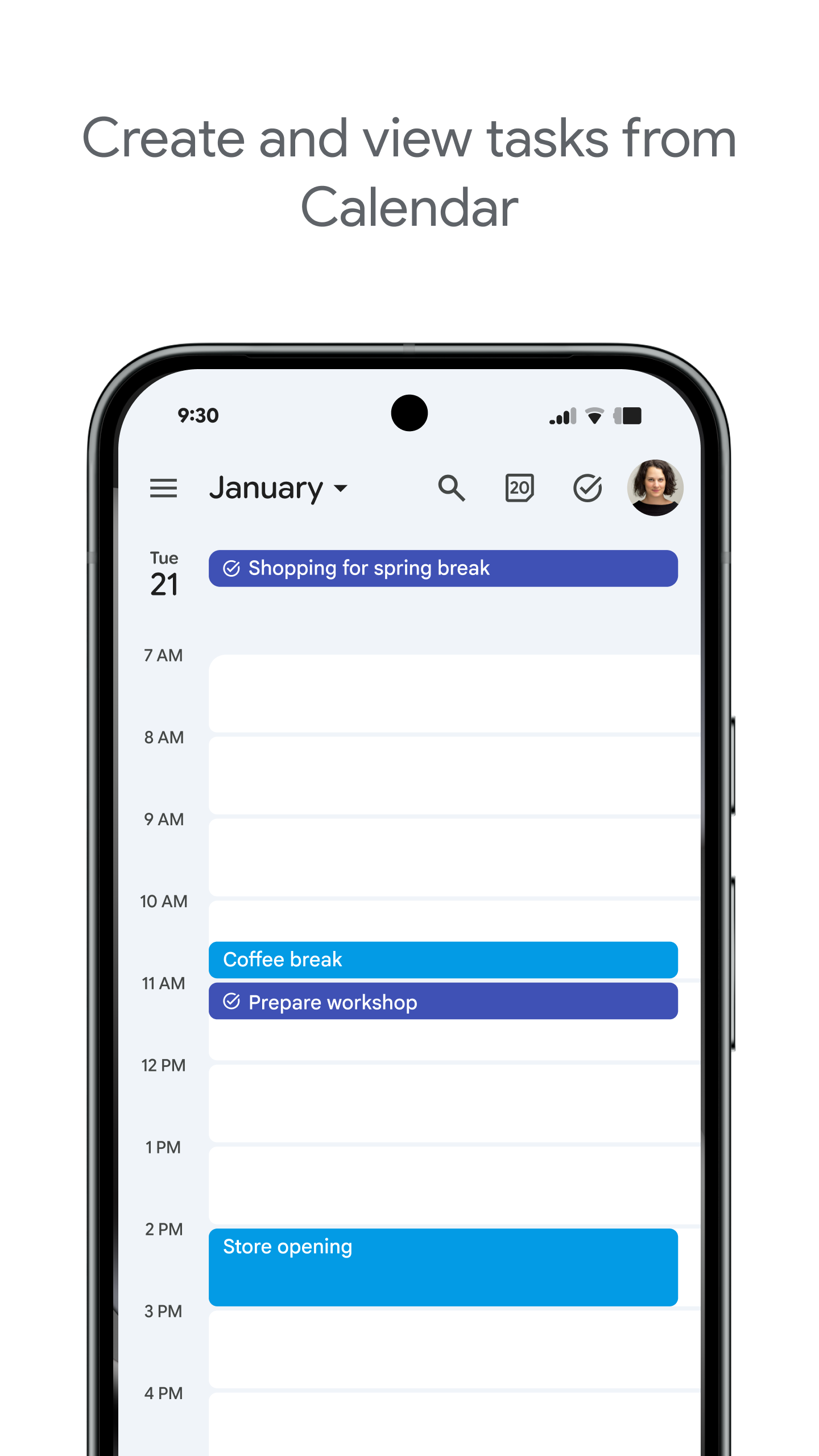
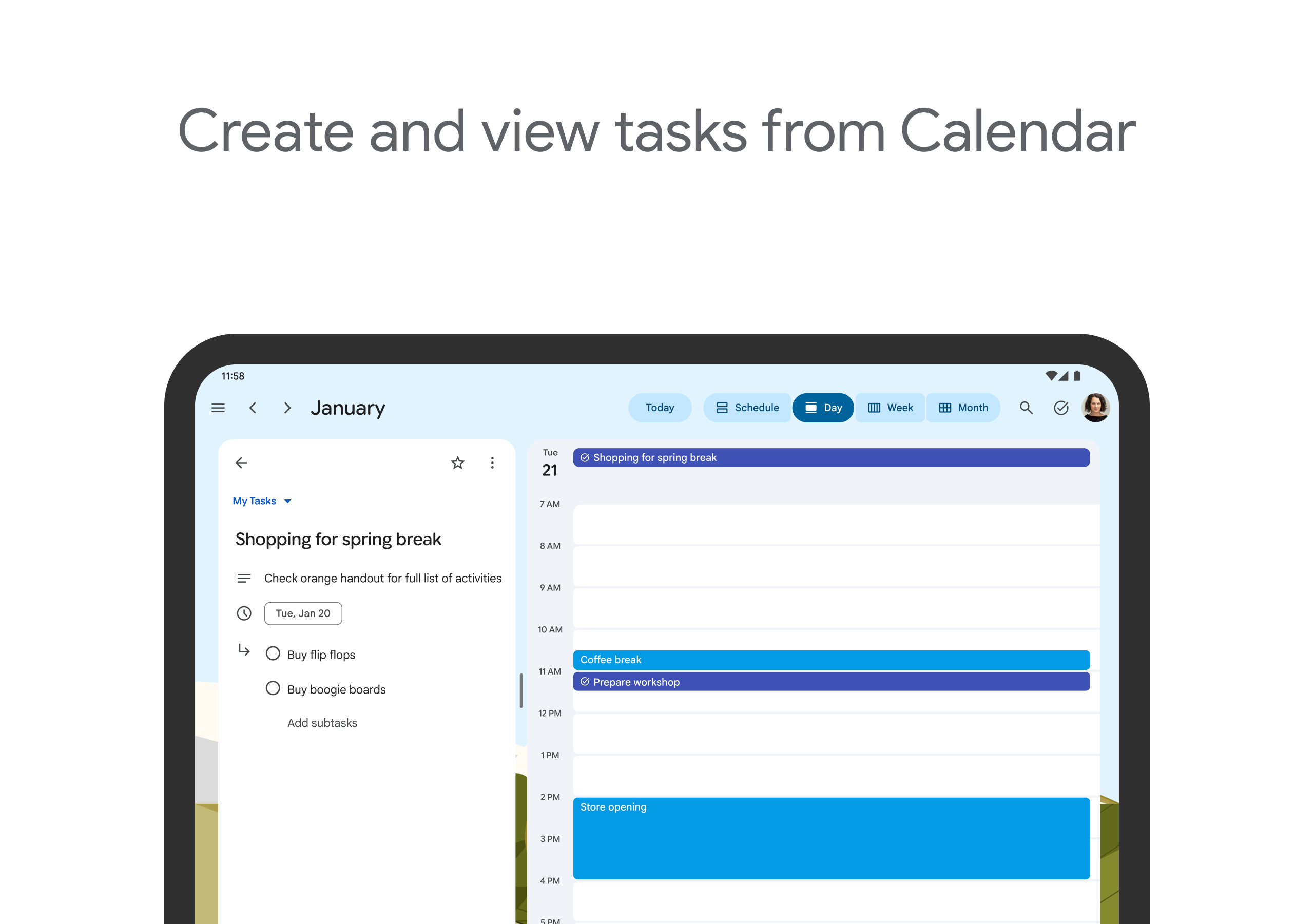
• Manage tasks created in Gmail or Calendar from the web on your mobile device
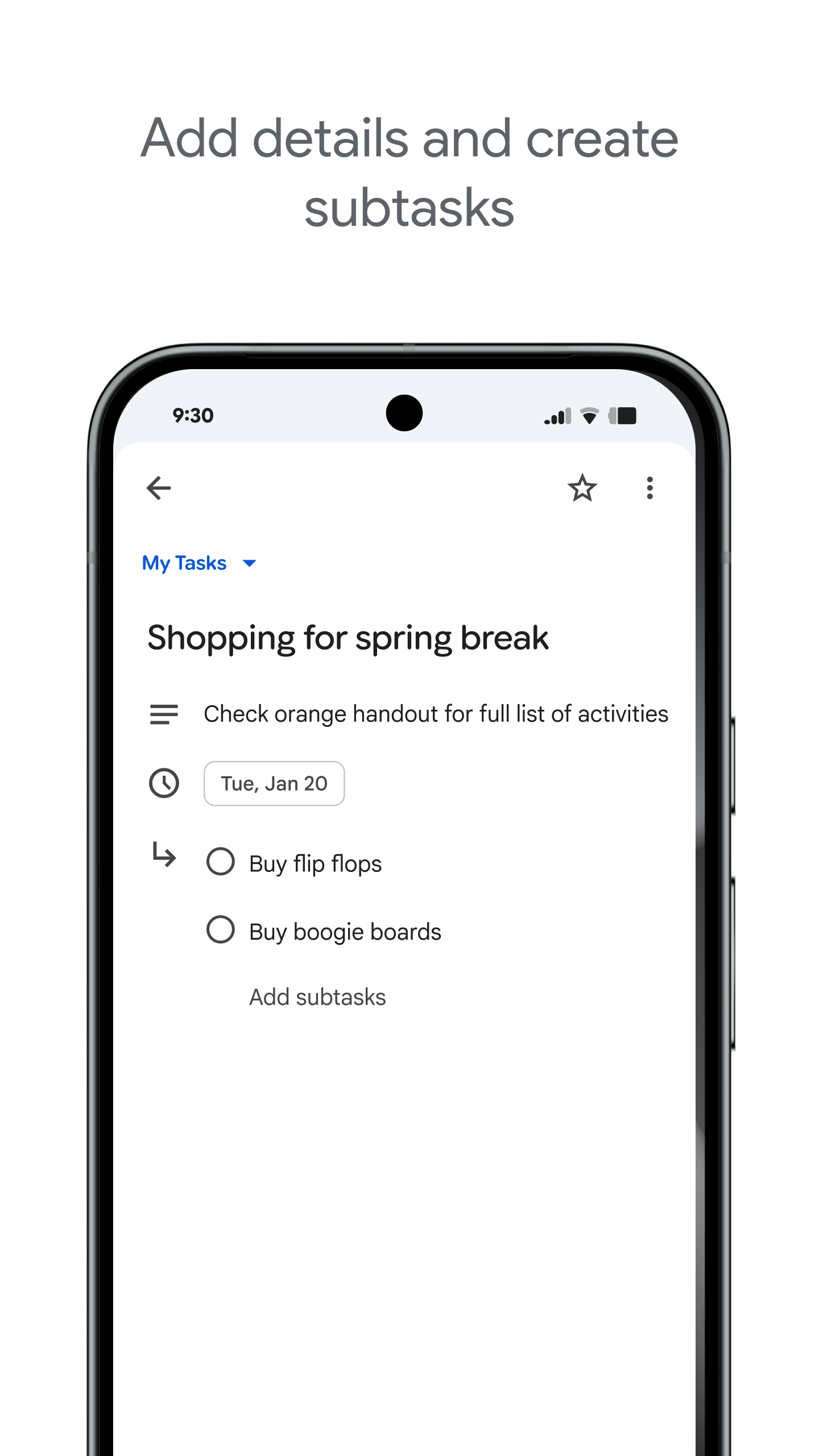
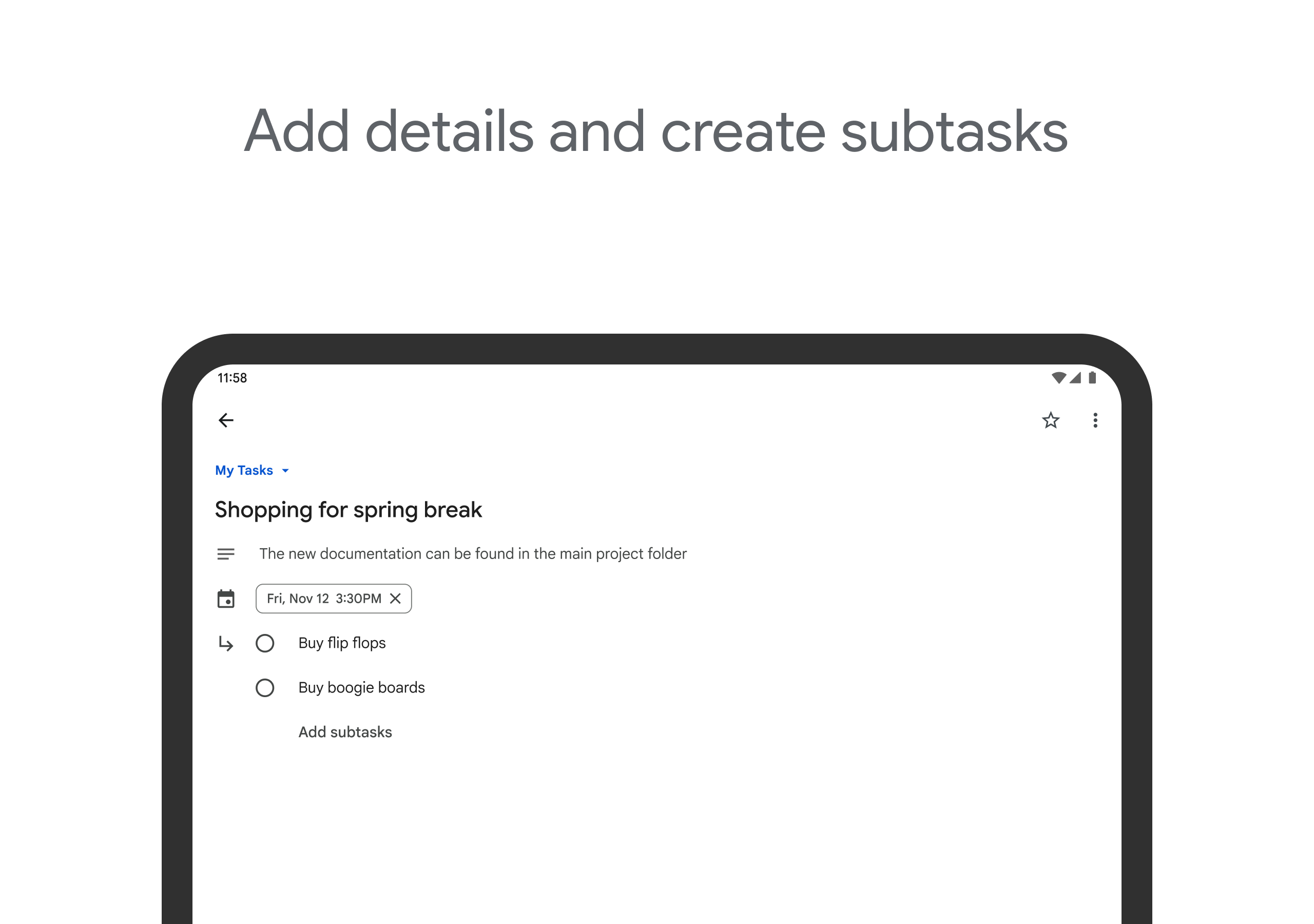
Add details and create subtasks
• Divide tasks into subtasks
• Add details for tasks that require special attention
• Edit task details at any time according to work progress
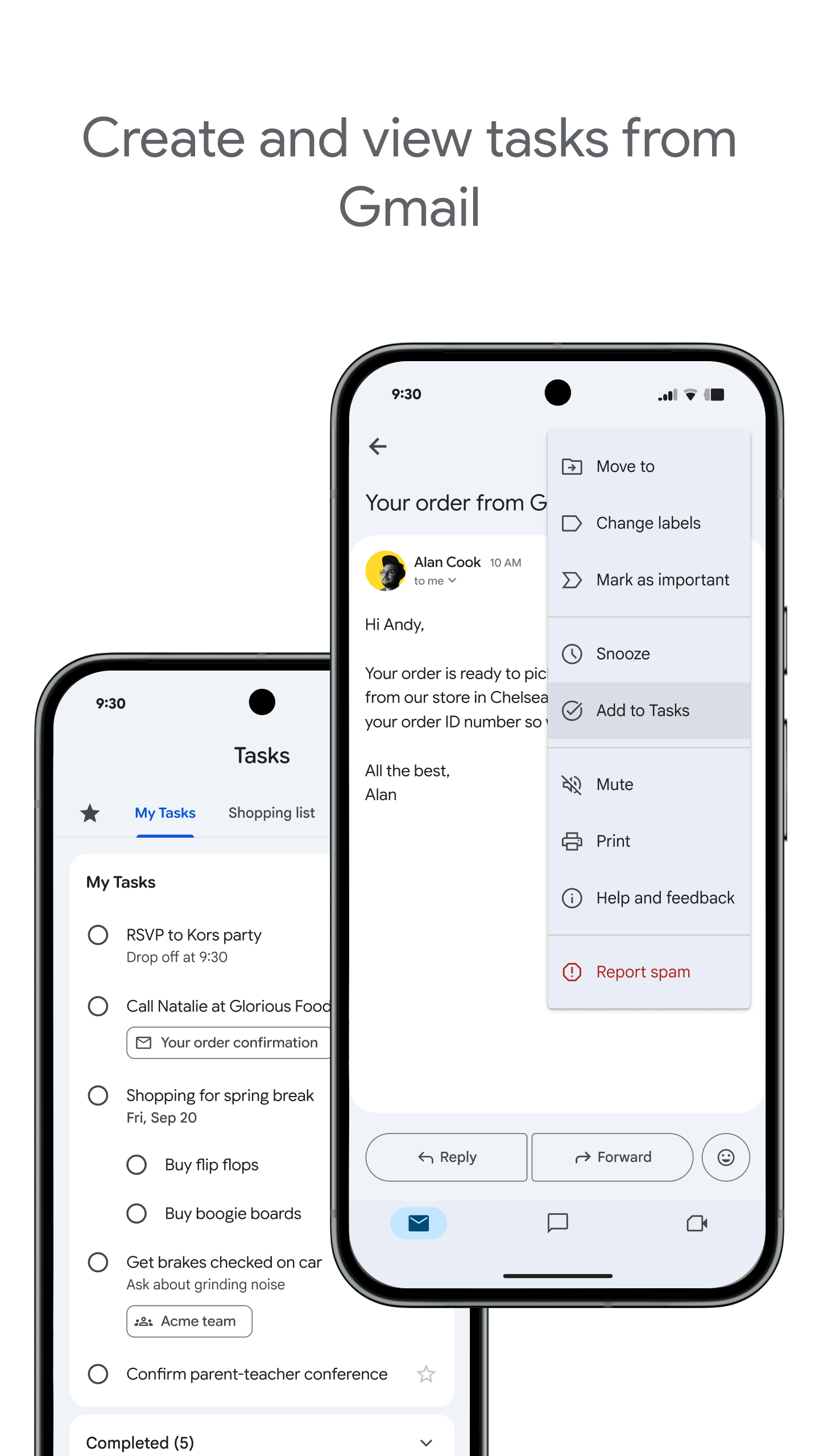
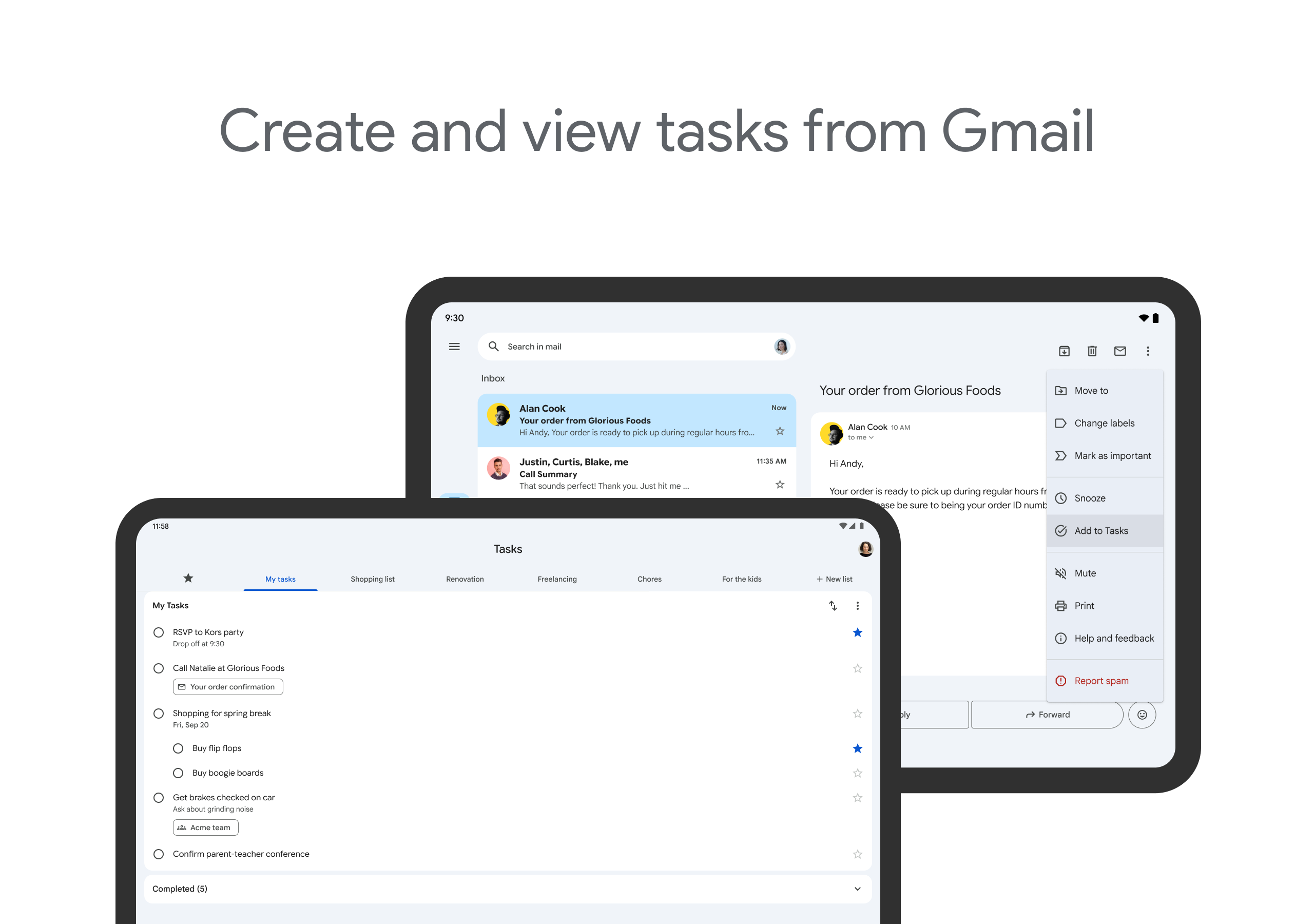
View tasks created via email
• Create tasks directly from email in Gmail
• View tasks in Gmail's sidebar
• Trace the source email of a task
Set due dates and notifications to complete tasks on time
• Set due dates for each task to help you achieve your goals
• Organize tasks by date or prioritize with drag and drop
• Receive due date notification reminders to ensure tasks are completed on time
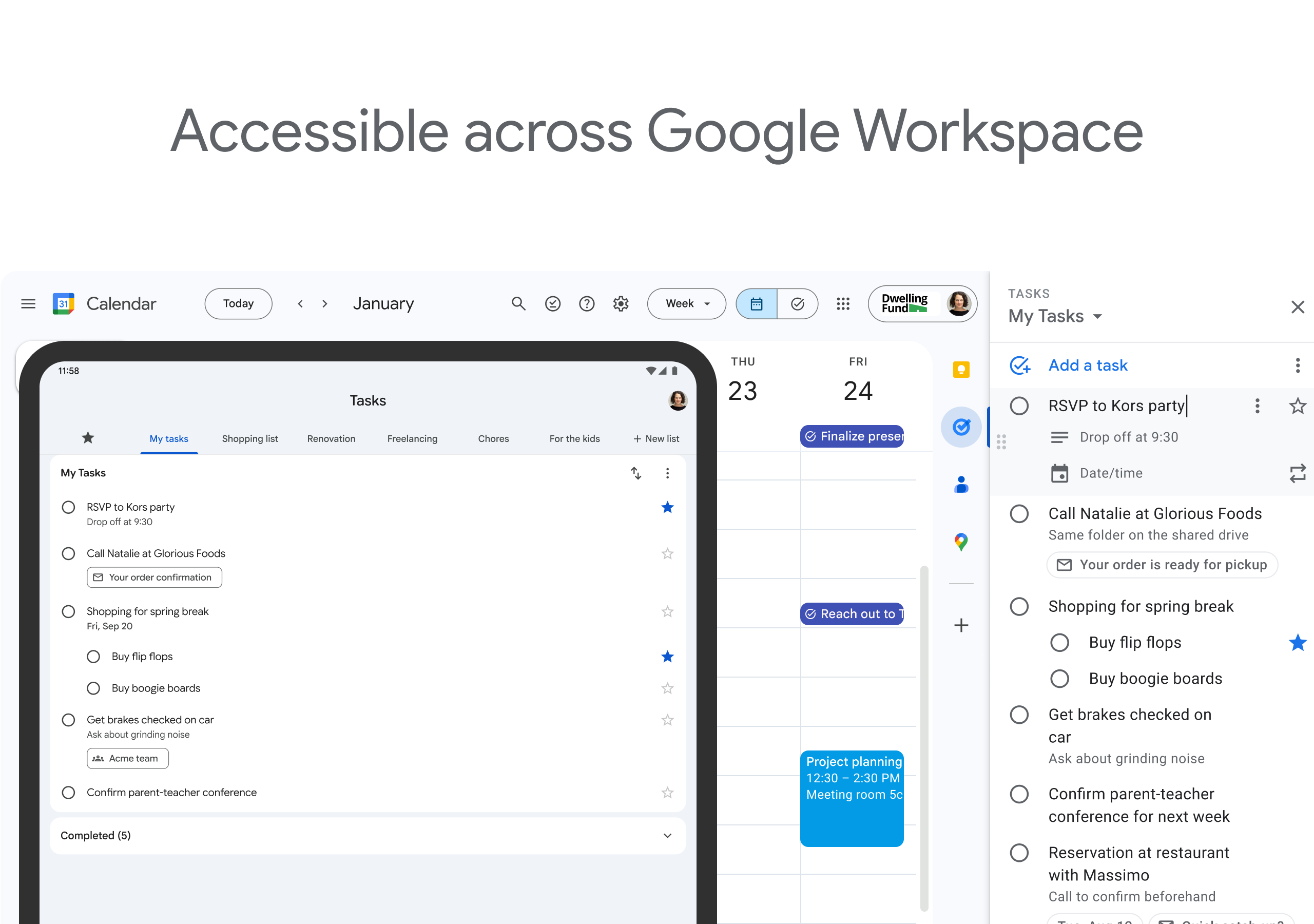
Apps in G Suite
• Take advantage of Google's powerful suite of intelligent apps to take care of business
• Leverage Google’s AI to provide data insights and analytics to every employee
• Communicate seamlessly with your team using a complete suite of apps (Gmail, Tasks, Calendar, and more)




I like the app idea, but there are a couple of major issues. First, there's a 30% chance that a subtext added on one device will sync weird on another device, causing the subtext to disappear on both, which is extremely frustrating. By the time you notice, you have forgotten it, as you wrote it down to remember. Second, it is just a bit too clunky for an app that doesn't do much.
Not really the best implementation of task solution. Notifications in Android's notification screen are hidden behind your email address unless you click the arrow to unmimimize or expand the notification to see what's actually there. I don't need to see my email address. I need to see my task reminder. In the meantime, it goes mostly unnotice but I'm looking at my notification screen because I forget that there is a reminder hidden within that notification. My eyes look right past it.
The app is almost perfect. It does have a good design, and it is easy to use. But the problem that made it useless for my purposes is that it doesn't allow you to do the task again anytime you want. You need to set a regularity of X days, Y weeks, or Z months. Since I downloade it just to organize my work out, it doen't work well to me, because I don't do my "A" practice exactly every monday, it changes as the days go by. It seems to be a simple thing to be changed by the programmers
Valuable- The ability to simply add, remove, and edit tasks and lists, home screen widget, also designating subtasks couldn't be more convenient. Those features meet most of my needs but improvements to the current app I could use would be the ability to clear recurring or date/time info from existing tasks, and the ability to share lists with contacts for collaboration on shared tasks. Additionally syncing the list with my Google calendar, and the ability to make tasks with subtasks recurring.
Suggestion - I wish there was a "Save" option along with the "Mark as Complete" one. My back button happens to be just below the Mark as Complete button, causing the occasional mistake in completing a task when I only wanted to save the changes. Otherwise, decent app for it's ease of use, reliability, and syncing feature. I use it to keep track of bills, subscriptions, and other reminders.
The app needs more ways to re-organize, not just the created tasks, but the actual lists. Also, when a task that is to be repeated, the subtask feature disappears. It should stay on. Some more filters, labels, and categories would be helpful. If possible, progression and streaks might make the app a little more enjoyable; to help people strive for a goal.
It's a start for Google, but this app lacks many basic features. It needs a landscape mode; search options; repeating tasks; colored categorization; location and time reminders; task sharing; a desktop version; Google Assistant integration; and a few nice widgets. Better yet, just implement the task features into Google Keep and just have one app to improve and support! I'm interested and I will continue to use this app for a while to see if there are any good improvements.
I used to love Google tasks... I use it organize almost every aspect of my life. However I'm going to start searching for a new app because Google Assistant keeps trying to control Google tasks when I don't even have Google Assistant installed. It's beyond frustrating to keep getting duplicate notifications I didn't ask for - and yes, I do have Google Assistant disabled on both my Google profile settings.
Really handy way to keep track of my to-do lists, which until now have been a fuster cluck within my notes app. love that you can have different lists and add notes to tasks. One thing that I think would really improve it- I wish instead of notes in the task, it had sub-tasks that could be independently ticked off within the task.